Chamberlain lists CH363 as a three-button MAX remote for white Security+ 3.0, yellow Security+ 2.0, purple/brown Security+ and red/orange Security+ receivers. The current chart does not list green. CH363 and CH163 both have three buttons, but CH163 is the white-button standard remote; CH363 adds the older listed branches. Assign each button to one confirmed compatible receiver and use that receiver's manual for its programming path.
Choose the three-button remote by receiver generation
Button count says how many destinations can be assigned; the receiver row decides which product works.
| Remote | Current documented generation coverage | Use this when |
|---|---|---|
| CH163 | White Security+ 3.0 | All destinations use the current white-button family. |
| CH363 | White Security+ 3.0; yellow Security+ 2.0; purple/brown Security+ 315 MHz; red/orange Security+ 390 MHz | You need up to three buttons across these listed Chamberlain Group branches. |
| CHU62 | White/yellow/purple-brown/red-orange/green plus specified Genie, Linear, Stanley and other named radios | A target is green-button or a listed competitor receiver; each radio still needs exact verification. |
The CH363 specs and Chamberlain Group compatibility tool list white, yellow, purple/brown and red/orange; they do not show green. A yellow Learn-button footnote on the product page applies to the described myQ app feature, while the radio specs separately list white. Check app eligibility apart from remote compatibility, and verify every external receiver separately.
Identify the Chamberlain / LiftMaster radio generation
Which LEARN-button family do you actually have?
Use shape as well as color: a round white button is the current Bluetooth Security+ 3.0 branch; an older square white button can be a DIP-switch unit. Round yellow has two manufacturer-listed eras, and blue 433 MHz identifies a discontinued replacement-board exception. Cross-check the antenna, nearby LED and model label.
What you are likely to notice
- You want one CH363 to operate up to three compatible doors/gates
- Only one button on the CH363 currently works
- You are moving a CH363 to a different opener generation
- You need to know whether a green-button opener is included
Check these in order
1. Make a receiver list for each intended button
Record the model or active Learn-button generation of up to three targets before pairing. Chamberlain's current CH363 row lists white, yellow, purple/brown and red/orange, but not green. If an external receiver was added, use its model rather than the opener badge. Do not treat the broad phrase 'openers manufactured after 1997' as proof that every receiver from those years is supported.
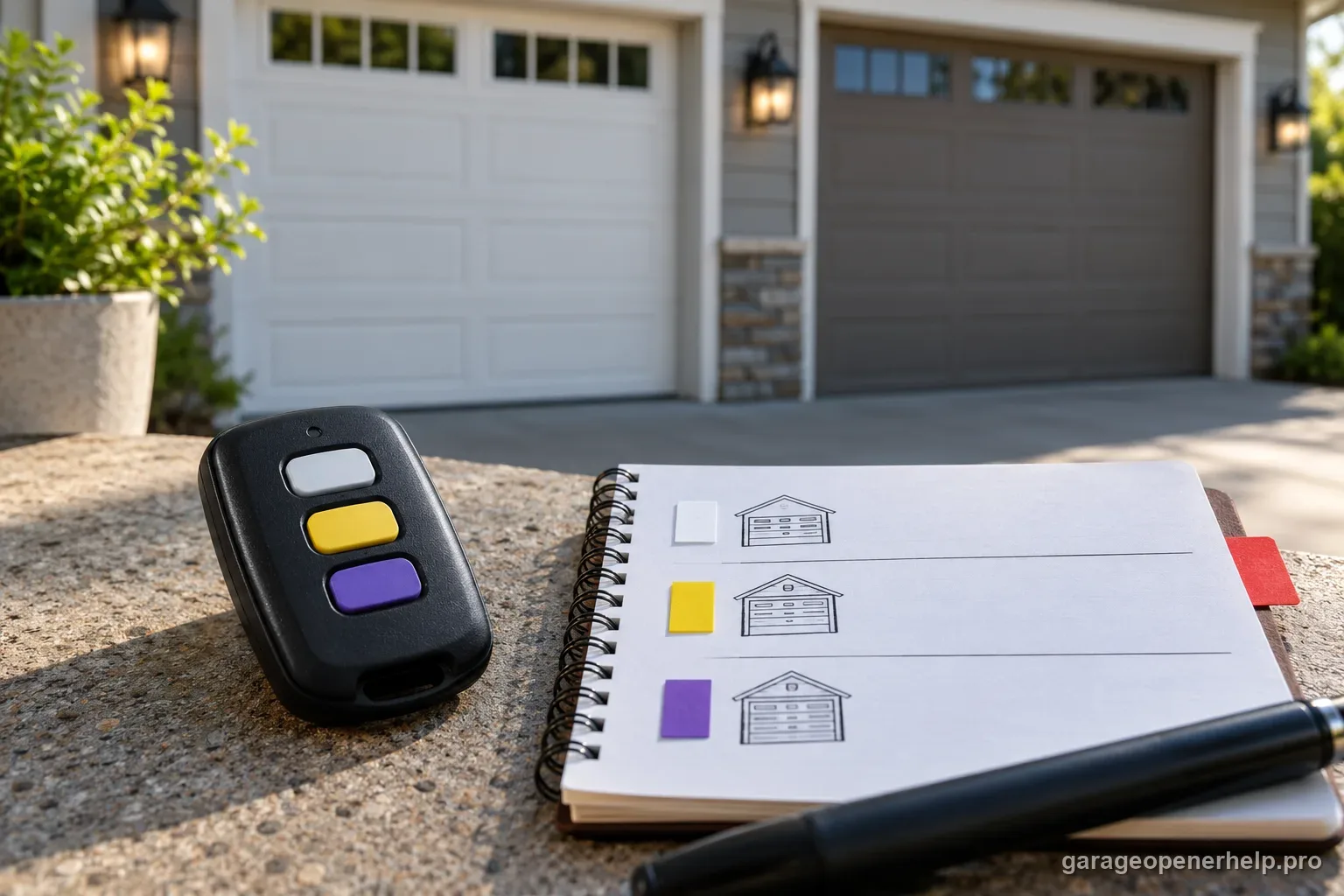
2. Choose CH363 or a different three-button remote from the compatibility table
CH163 is the standard three-button Security+ 3.0 remote for white-button receivers. CH363 is the three-button MAX model for white plus yellow, purple/brown and red/orange branches. A green-button receiver calls for a different currently supported product, such as the CHU62, whose chart includes green. Similar button count and brand do not make their protocols interchangeable.
3. Pair one assigned button at a time
Follow the current CH363 manual or manufacturer setup page for the exact receiver generation. Complete the manufacturer pairing for button 1, confirm the opener's acknowledgement, and then proceed to button 2 or 3. Each button stores its own pairing; a successful first button does not configure or prove compatibility for the remaining doors.
4. Treat white Security+ 3.0 as a separate setup path
White round Learn buttons identify the current Security+ 3.0 branch. The CH363 product page and manual provide the current method; do not copy an older MAX-family yellow/purple/red sequence from a different model. App-assisted setup is available only where the exact opener, account and app path support it; the physical remote/manual remains the model-specific reference.
5. Test each button against its assigned door
Stand where the full door is visible and clear of people, vehicles and objects. Test one button and one intended opener at a time, then write down the final mapping. If one button fails while another works, keep diagnosis local to that button's receiver generation, battery/contact and documented setup instead of erasing all opener memory.
Three buttons create three separate compatibility decisions
A three-button remote is convenient for a multi-door garage, but each destination receiver still has to be supported. One CH363 button can be paired to a white-button opener and another to a compatible yellow/purple/red-orange receiver only when each individual receiver appears in the current compatibility path.
This is also why programming the first button successfully does not prove the other garage door opener is compatible. Treat each opener/receiver pair separately.
Do not confuse CH363 with CH163
CH163 is the standard three-button Security+ 3.0 remote for white-button openers. CH363 is the broader MAX three-button remote whose compatibility table spans white, yellow, purple/brown and red/orange. Their similar button count does not make them the same accessory class.
If all of your doors are Security+ 3.0, CH163 may be the simpler exact-generation choice. If the doors span supported generations, CH363's broader table is the useful distinction.
The myQ app footnote does not replace the radio compatibility row
The CH363 product page advertises myQ app setup and places a yellow Learn-button condition in a footnote for that feature. Its specification separately lists white Security+ 3.0/BLE, yellow Security+ 2.0, purple/brown 315 MHz and red/orange 390 MHz. Chamberlain Group's compatibility tool likewise lists white, yellow, purple/brown and red/orange for CH363.
Read these as two different checks: whether the CH363 radio is listed for the receiver, and whether the opener qualifies for the myQ app workflow described on the product page. For physical remote programming, follow the exact CH363 manual; for app enrollment, confirm the app condition separately.
Plan a mixed-generation three-door setup before you start
Write down the active Learn-button color or receiver model for each target door and assign CH363 button 1, 2 or 3 before programming. A simple three-row note prevents you from overwriting your own mental map when the doors use different supported radio generations.
After each pairing, test only that button against only that door. This makes it obvious whether a failure belongs to the current receiver instead of turning the whole three-button remote into one ambiguous troubleshooting problem.
Treat each CH363 button as a separate opener-to-receiver match
A three-button remote can hide a troubleshooting mistake: one successful button does not prove that every opener in the garage uses a supported receiver generation. Build a simple map of button 1, 2 and 3 to the exact target opener and active Learn-button color. Program and test one pair at a time so a failure remains attached to one receiver instead of becoming an ambiguous 'the remote only partly works' complaint.
The same discipline matters if CH363 is replacing mixed older remotes. Do not infer compatibility from a neighboring door, shared installation date or similar opener housing. Current receiver evidence outranks those clues. If two doors are supported and a third is not, the correct result can legitimately be two successful buttons and one unsupported target rather than a defective three-button remote.
- Assign one physical button to one documented receiver before programming.
- A successful button proves only that opener/receiver pair.
- If one target uses an unsupported generation, solve that receiver/accessory match instead of resetting the other two doors.
For a multi-door setup, write down each CH363 button, the opener it targets and that opener's active receiver generation. Report successes and failures per button so one unsupported receiver is not misdiagnosed as a bad three-button remote.
Stop DIY troubleshooting when…
- The current compatibility chart does not list the active receiver generation
- The opener housing and external receiver provide conflicting evidence
- The setup has entered an unexpected memory-erase mode
- The door cannot be safely observed during a test
Garage door springs, cables and a falling/unbalanced door can store or release dangerous force. Those are door-system problems, not just opener settings.
Common questions
Can CH363 operate three different garage doors?
Chamberlain describes CH363 as capable of controlling up to three compatible doors or gates; program each button independently.
Does CH363 support green Learn button openers?
The current Chamberlain compatibility chart does not list green for CH363.
Does the yellow Learn-button footnote mean CH363 is incompatible with white-button openers?
No. Chamberlain's specification and compatibility tool list white Security+ 3.0/BLE for CH363. The yellow Learn-button footnote appears with myQ app setup; verify app eligibility separately from radio compatibility.
What battery does CH363 use?
Chamberlain lists one CR2032 battery in the current CH363 specifications.
Manufacturer sources used
These links are the factual baseline for the diagnostic claims above. Model-specific manuals can supersede general guidance.