Chamberlain lists CHU62 as a two-button universal remote covering white, yellow, purple/brown, red/orange and green Chamberlain Group generations plus specified Genie Intellicode, Linear MegaCode, Stanley, Wayne Dalton, Guardian, Sommer, Ryobi and other listed systems. Compatibility is defined by the manufacturer's radio/specification table—not by brand name alone.
Match the active radio family to the CHU62 entry
The product specifications name these radio branches. Confirm the opener or add-on receiver model; this table is a compatibility shortlist, not a programming sequence.
| Label or system clue | CHU62-listed radio entry | What to verify before buying |
|---|---|---|
| Chamberlain Group white Learn button | Security+ 3.0, BLE LR 2.4 GHz | Use the exact opener model/manual; check myQ app setup as a separate feature. |
| Yellow Learn button | Security+ 2.0 E-code, 315 or 390 MHz | Match the model's radio and use the corresponding manual branch. |
| Purple/brown or red/orange Learn button | Security+, 315 MHz D-code / 390 MHz D-code | Confirm color and model together; replacement boards or external receivers can change the active radio. |
| Green Learn button | Billion Code CGI, 390 MHz | Verify the opener/receiver model and current accessory listing. |
| Genie | Intellicode (Keeloq), 315 or 390 MHz | Confirm Intellicode and frequency; do not infer support from the Genie name alone. |
| Linear | Mega-Code, 318 MHz | Confirm the receiver is the named Mega-Code system. |
| Stanley | Secure Code (Keeloq), 310 MHz | Confirm the receiver uses the listed Secure Code family. |
| Wayne-Dalton | 372.5 MHz (Keeloq) | Verify the exact receiver model; brand alone does not distinguish every generation. |
| Guardian / Sommer / Ryobi | Guardian 303 MHz; Sommer 310 MHz (Keeloq); Ryobi 372.5 MHz (Keeloq) | Match the individual receiver label to its named table entry before purchase. |
The CHU62 page also advertises myQ app setup and places a yellow Learn-button condition in a footnote for that app feature. Its radio specs separately list white-button Security+ 3.0/BLE LR, and Chamberlain's compatibility tool includes white. Treat radio compatibility and app enrollment as separate checks. Source: Chamberlain CHU62 product specifications and Remote Compatibility Tool.
Identify the Chamberlain / LiftMaster radio generation
Which LEARN-button family do you actually have?
Use shape as well as color: a round white button is the current Bluetooth Security+ 3.0 branch; an older square white button can be a DIP-switch unit. Round yellow has two manufacturer-listed eras, and blue 433 MHz identifies a discontinued replacement-board exception. Cross-check the antenna, nearby LED and model label.
What you are likely to notice
- You want one remote for two different opener brands
- Your Chamberlain/LiftMaster/Craftsman opener has a green Learn button
- You are replacing a remote on a Genie Intellicode or Linear MegaCode opener
- A marketplace listing says 'universal' without naming the radio system
Check these in order
1. Identify the active receiver, not just the opener brand
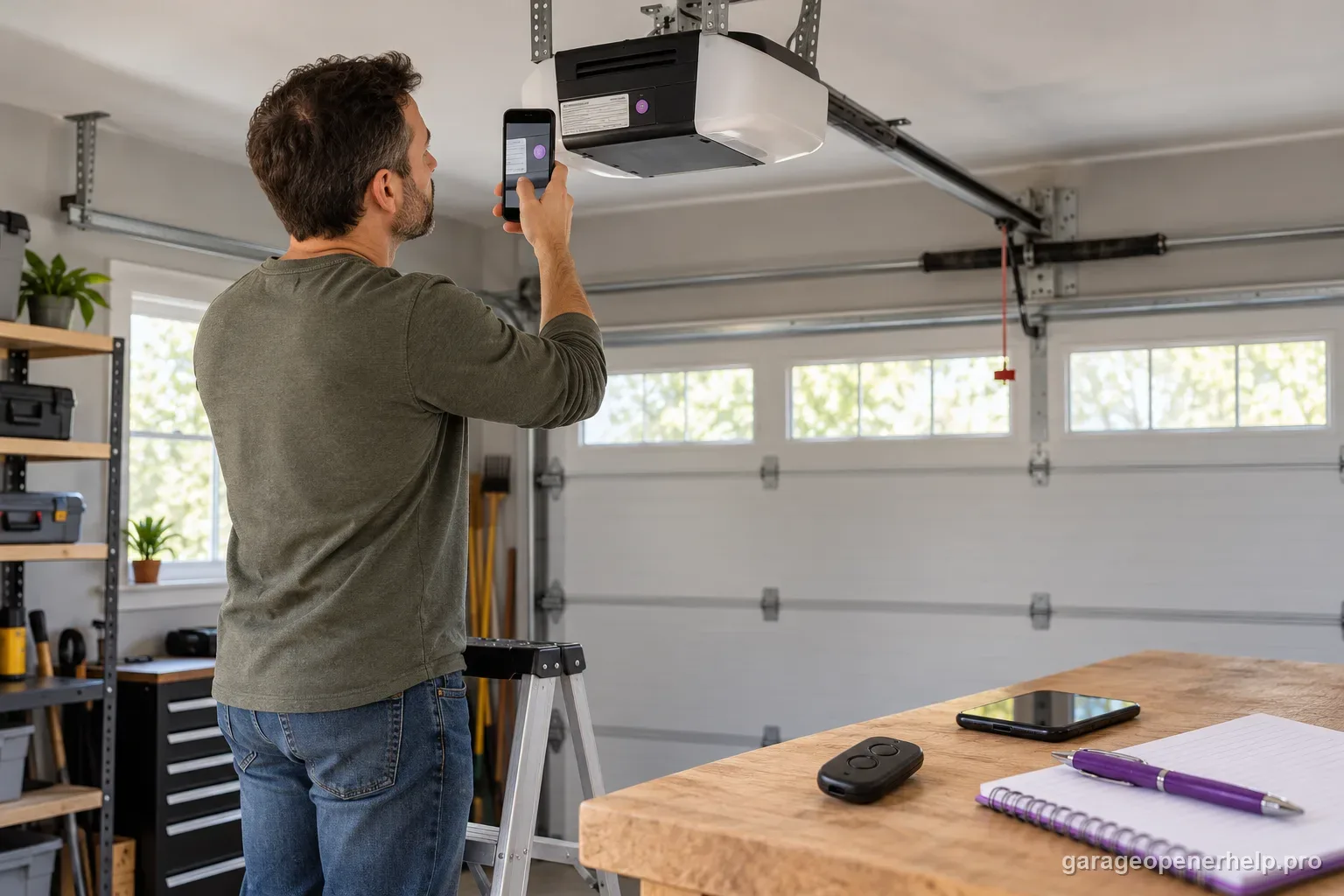
With the door closed and opener stationary, read the opener or external receiver model label; use the manual or original remote to identify its radio generation. Chamberlain/LiftMaster/Craftsman Learn-button color is a useful clue, but color, housing age and brand alone do not prove compatibility. A separately added receiver may control the door instead of the motor unit's built-in radio.
2. Match the radio entry to the CHU62 specification
Check the exact family and frequency in the manufacturer's compatibility table. For example, the table names Genie Intellicode at 315 or 390 MHz and Linear Mega-Code at 318 MHz; a Genie or Linear logo alone is not enough. If the model label and radio entry cannot be reconciled, confirm with the current compatibility tool or manufacturer before buying.
3. Separate remote pairing from myQ app setup
The CHU62 product page's yellow-Learn-button footnote is attached to its myQ app setup feature. The same page's specifications list a white-button Security+ 3.0 / BLE branch, and Chamberlain's compatibility tool also lists white. Do not use the app footnote to erase a radio entry from the compatibility list; use the CHU62 manual's exact setup path for your opener and the feature you want.
4. Assign and test each button one device at a time
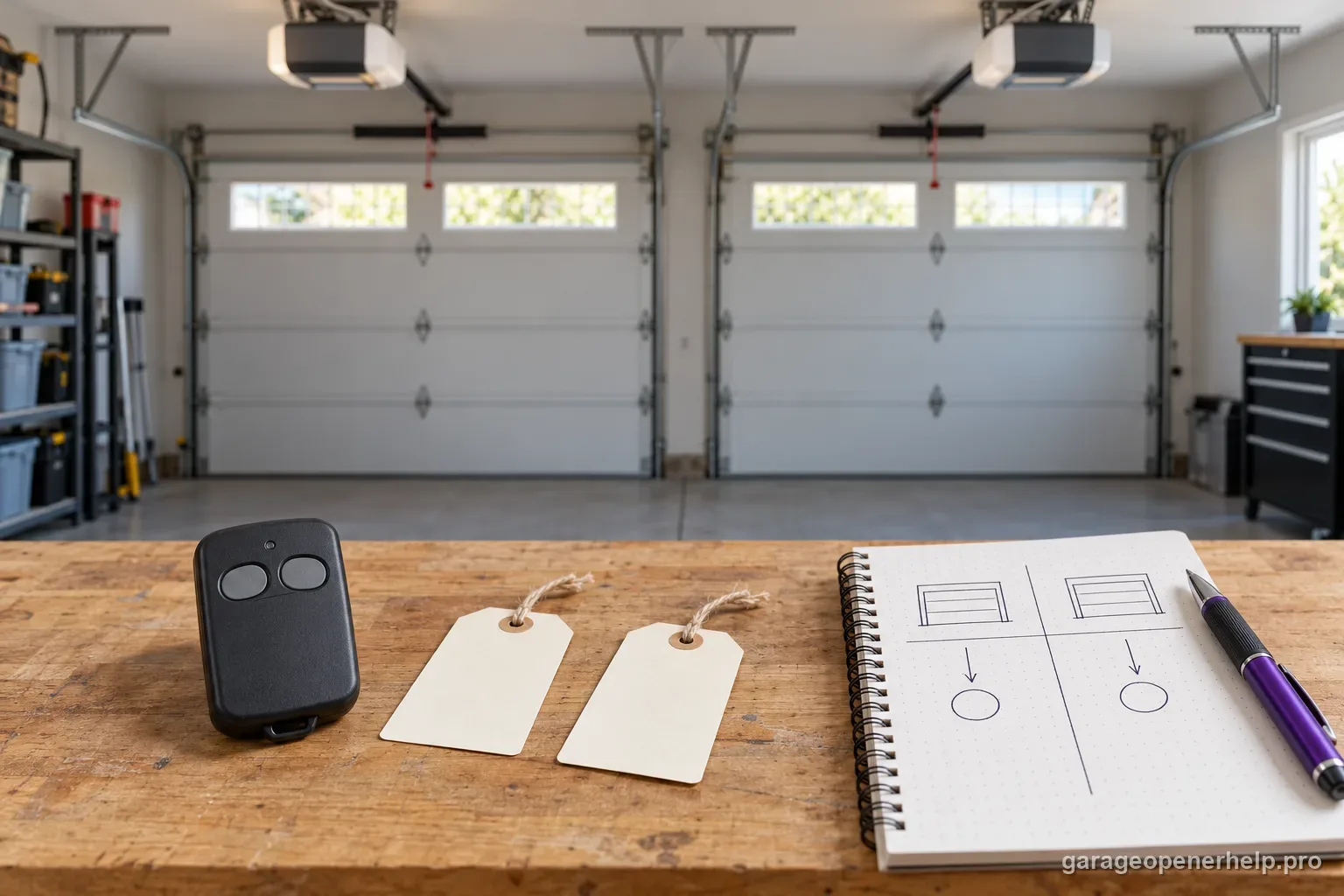
CHU62 supports up to two compatible doors. Program the first button by following the manual branch for that receiver, then test from a position with the door in view and no person or object in its path. Record which button belongs to which opener. Repeat separately for the second receiver; two buttons do not mean the openers share one programming sequence.
5. Recheck receiver identity when the opener has an add-on
If an external receiver is installed, identify its model and follow its manual because that is the radio path the remote must match. Do not pair to a convenient-looking button on the motor unit unless the receiver documentation says that is the active Learn control. If the receiver label is missing or setup requires opening electrical housings, stop and contact the manufacturer or a qualified installer.
Read the CHU62 compatibility note and app footnote as separate things
The product page puts a yellow-Learn-button condition in the footnote for using the myQ app setup feature. Its radio specification separately lists the white Learn-button Security+ 3.0 / BLE LR branch, and Chamberlain's compatibility tool also includes white. Those statements answer different questions: whether the remote's radio can match an opener, and whether that opener follows the listed myQ app workflow.
For normal remote compatibility, follow the exact receiver entry and CHU62 manual. For app enrollment, follow the separate app requirement. If the desired feature is unclear, check current product support before purchase instead of treating the footnote as a universal compatibility exclusion.
A model-and-radio check is more useful than a brand list
CHU62's specification is a finite protocol list: Chamberlain Group white/yellow/purple-brown/red-orange/green branches; Genie Intellicode at listed frequencies; Linear Mega-Code; and named Stanley, Wayne-Dalton, Guardian, Sommer and Ryobi entries. A brand may have multiple generations, frequencies or receivers, so a logo is only the first clue.
Use the active receiver label, opener model, original remote or manufacturer manual to identify the radio family. If those disagree, treat the case as unresolved and verify it with the compatibility tool. Avoid relying on a manufacture year estimate or an online seller's generic 'universal' claim.
Two buttons can bridge two different supported radio families
Each CHU62 button is independent, so a mixed-brand garage can use one button for one supported receiver and the second for another. That does not merge the programming procedures: configure each button using the radio-family method required by its target opener or receiver.
Keep a note of which button belongs to which receiver and which protocol branch was used. That record makes battery replacement, reprogramming and future receiver changes much easier.
Competitor-brand compatibility needs stronger evidence than a logo
For Genie, the CHU62 table names Intellicode technologies rather than saying every Genie opener works. Similar radio-family requirements appear for Linear, Stanley and other brands. An exact opener model, original remote or receiver label can provide the missing technology clue.
If you cannot identify that radio system, an honest unknown result is more useful than guessing from manufacture decade or opener color. Confirm the protocol before purchase, then use the CHU62 manual's branch for that protocol.
Universal means a published protocol table, not every garage-door receiver
CHU62 has a broader compatibility table than Chamberlain's single-generation remotes, but that table is still the boundary. Use the active receiver technology or Learn-button generation to select a documented branch. A listing that merely says 'universal' should not override the current manufacturer table, especially on retrofitted openers whose external receiver no longer matches the opener badge.
For competitor brands, keep brand and radio technology together. A Genie or Overhead Door housing does not by itself prove one Intellicode generation, and a Linear opener does not prove that the active receiver is still MegaCode if an external receiver was added. When receiver evidence is missing or contradictory, the correct compatibility answer is conditional or unknown rather than a forced yes/no.
- Documented receiver generation in the CHU62 table: follow that exact setup branch.
- Opener badge and active receiver disagree: receiver evidence wins.
- Receiver technology cannot be identified: stop at conditional/unknown instead of assuming universal compatibility.
For universal-remote escalation, record the opener badge, active receiver/Learn-button evidence, any external receiver model and the exact CHU62 setup branch attempted. Receiver evidence matters more than a broad universal-product label.
Stop DIY troubleshooting when…
- The opener/receiver technology is absent from the CHU62 table
- The system uses an unsupported dip-switch/fixed-code variation
- The active receiver cannot be identified
- Programming would require unsafe access around a moving or damaged door
Garage door springs, cables and a falling/unbalanced door can store or release dangerous force. Those are door-system problems, not just opener settings.
Common questions
Does the yellow Learn-button myQ footnote mean CHU62 cannot work with white Learn-button openers?
The product page separately lists Security+ 3.0/BLE LR white-button compatibility in its radio specifications, and Chamberlain's compatibility tool includes white. The yellow-button footnote applies to the described myQ app setup feature; use the manual for the remote pairing path and verify app eligibility separately.
Does CHU62 work with Genie?
It supports specified Genie Intellicode 315/390 MHz systems. Verify the exact opener generation; it is not a blanket claim for every Genie opener ever made.
Can each CHU62 button control a different brand?
Yes, when each target receiver is independently supported by the CHU62 table and each button is programmed using the appropriate protocol method.
Manufacturer sources used
These links are the factual baseline for the diagnostic claims above. Model-specific manuals can supersede general guidance.