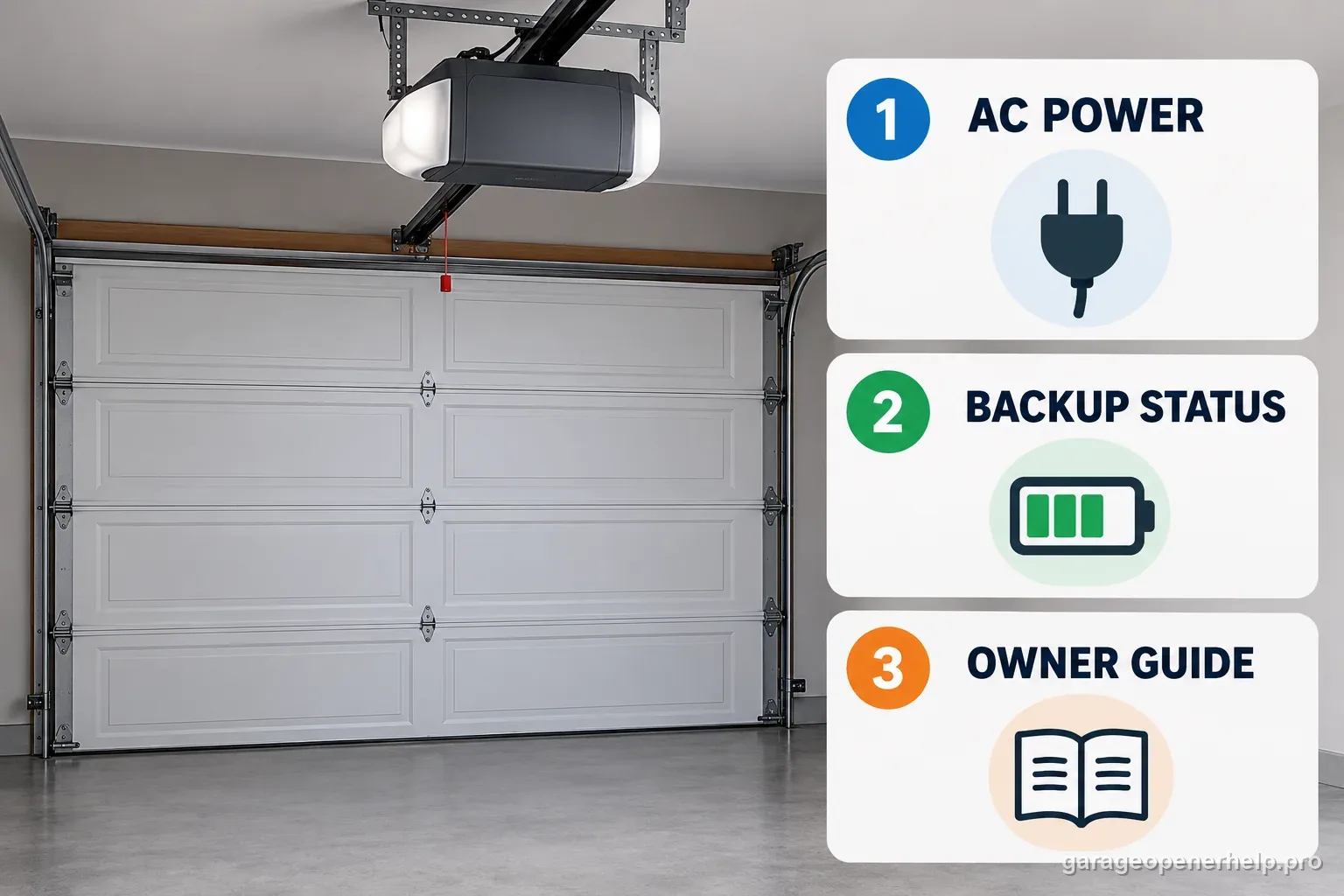
LiftMaster lists battery backup on the 2420L. Its Security+ 3.0 user guide says the opener may run more slowly on battery and disables the opener lights, myQ app control and monitoring, built-in camera, and unattended close including Timer-to-Close. The wall control or remote may still operate the door, depending on battery condition and the door system. Check the battery-status indicator and exact manual; do not infer a Wi-Fi failure from a camera that goes offline during an outage, and do not assume a fixed backup runtime or cycle count.
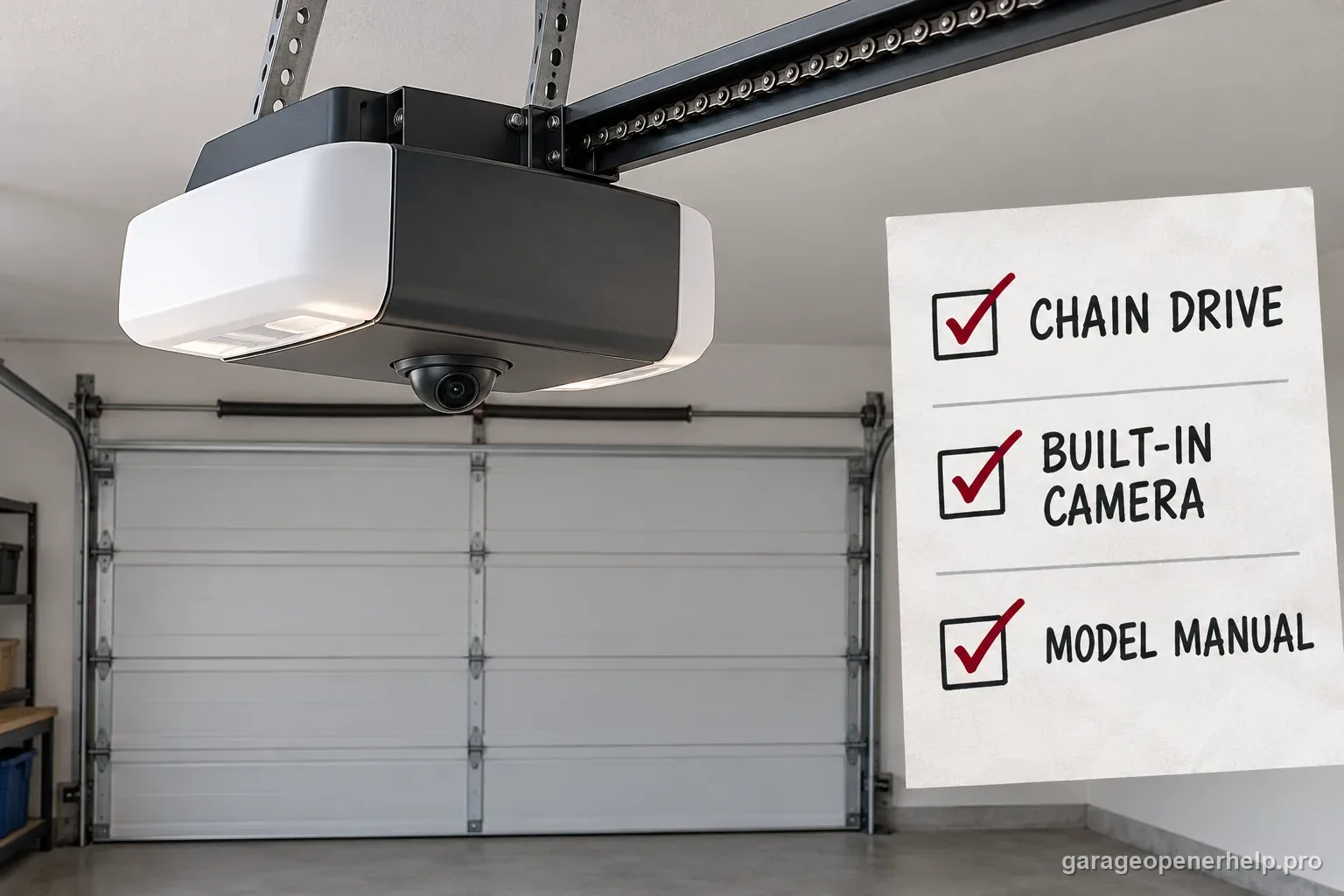
Battery status indications: confirm them on the 2420L manual
| Battery indicator | Published meaning | Homeowner next step |
|---|---|---|
| Solid orange + beep about every 2 seconds | Operating on battery | Confirm household AC is unavailable; expect connected features to pause. |
| Flashing orange + beep about every 30 seconds | Low battery | Record the signal and restore stable AC when available. |
| Flashing green | Charging | Allow charging after AC returns; avoid assuming a universal duration. |
| Solid green | Fully charged | Use the owner's guide for the model-specific status confirmation. |
| Solid red + periodic beep | Battery cannot hold a charge | Contact the dealer or manufacturer for the exact replacement procedure. |
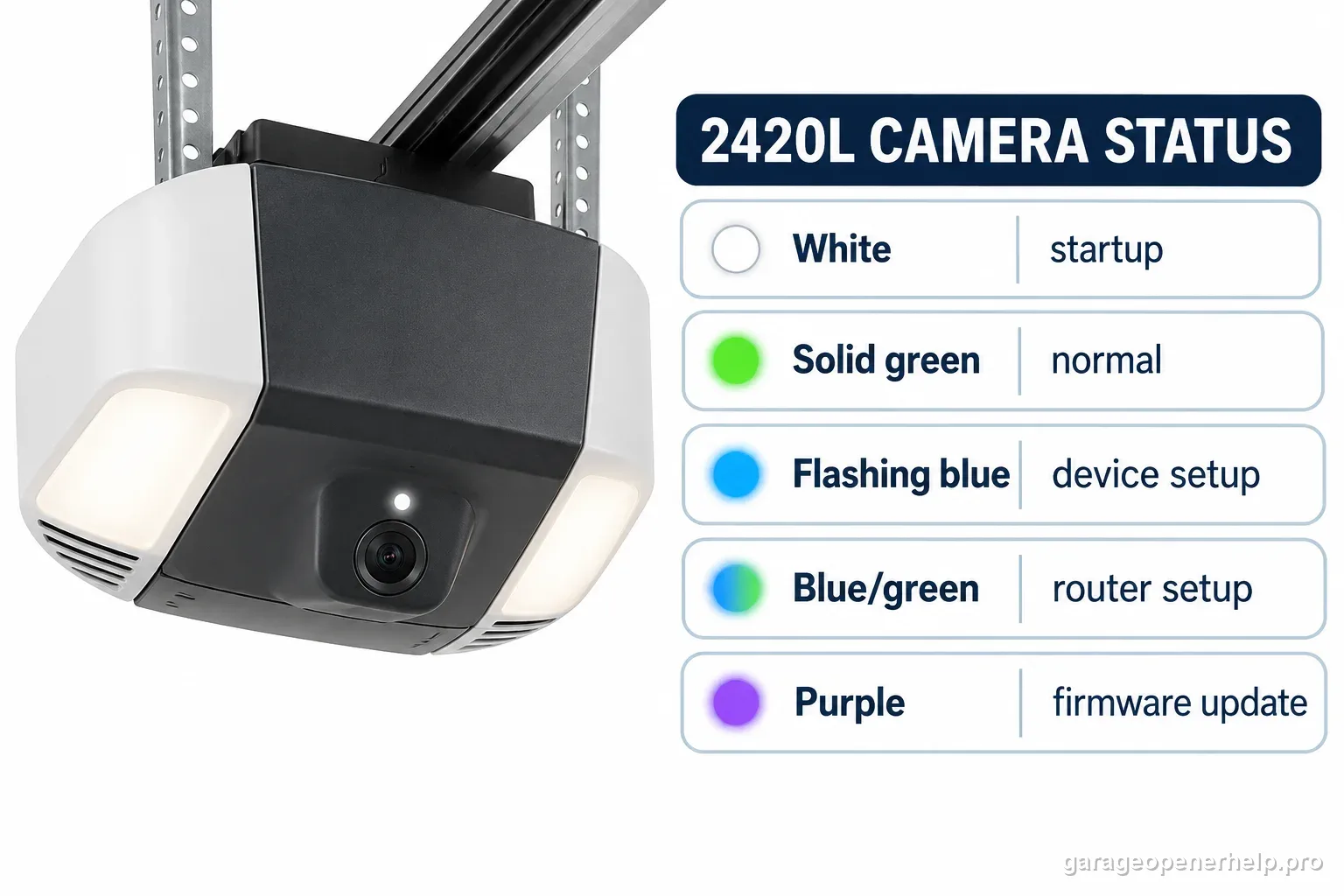
Verify LED location, color and beep pattern in the exact 2420L user guide; camera lights follow a separate status table.
What you are likely to notice
- A LiftMaster 2420L is still moving the door but the myQ app or camera went offline
- The opener moves more slowly after household power is interrupted
- A battery-status light or beep appeared at the opener during an outage
- You want to check whether the battery is charging after utility power returns
- The camera is still offline after AC power is restored
Check these in order
1. Verify the exact model and whether household AC is actually back
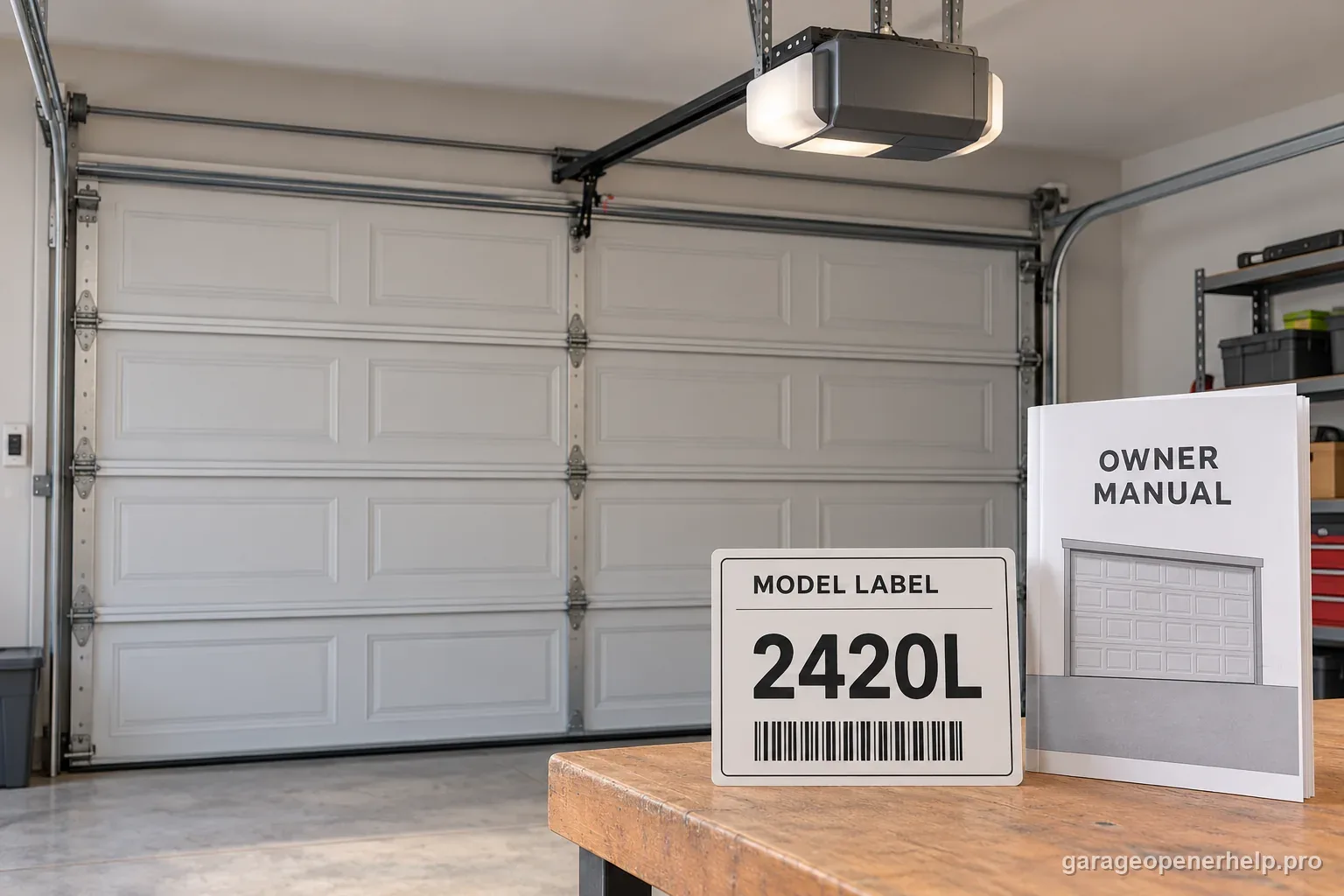
Confirm the motor-unit label says 2420L, then check whether the outlet and opener have normal utility power. The 2420L has integrated battery backup; a nearby LiftMaster without backup follows a different path. If the home's power is still out, a circuit breaker is tripped, or the opener's power connection is damaged, treat that as the current power state first. Do not unplug the unit, disconnect the battery or repeatedly cycle the opener just to make a camera reconnect. Keep clear of the door while identifying the power state.
2. Read the battery indicator, not the camera indicator
Use the 2420L owner guide to locate the Battery Status LED. Chamberlain Group's battery-indicator guidance describes solid orange with a beep about every two seconds as operation on battery, flashing orange with a beep about every 30 seconds as low battery, flashing green as charging and solid green as fully charged. A solid red indicator with a periodic beep means the battery can no longer hold a charge and needs replacement. Confirm the exact LED and beep against the current 2420L manual; camera LEDs describe the camera connection and are a separate indicator.
3. Expect the connected features to pause on battery power
The 2420L guide says battery operation can be slower and disables the opener lights, myQ app control and monitoring, and unattended close, including Timer-to-Close. The integrated camera also does not work while the opener is operating on battery. These are documented power-saving limits. A blank camera view or an app that cannot control or monitor the opener during the outage does not, by itself, show that the camera, Wi-Fi radio or account has failed.
4. Use local control once and observe the door safely
If the owner guide permits and the opening is clear, use a normal wall control or remote once and observe from outside the door's travel path. Record whether it opens, closes or does not move; whether it is slower; the exact battery LED and beep; and whether any obstruction, binding or reversal is visible. The backup feature is for access during power interruption, not a reason to hold the door, repeat cycles or override a safety feature. Do not work on the door, cables, springs or opener wiring during a power event.
5. After power returns, allow the battery state to recover
Once the opener has stable AC power, check that the Battery Status LED changes to the manual's charging state and then reaches its fully charged state. LiftMaster notes that the battery does not need to be fully charged for the opener to operate, but a less-charged battery may affect backup behavior. Do not invent a fixed charging duration from one outage: battery age, starting charge and usage vary, and the current 2420L source does not promise one universal interval. If the red status or low-battery signal remains after normal power is restored, record it and contact the dealer or manufacturer.
6. Troubleshoot the camera only after the backup state ends
If the garage door works locally and the battery indicator shows the opener is no longer on backup, separate the camera symptom from door movement. Record the camera LED color and whether it is solid or flashing, any myQ message, whether the router or Wi-Fi settings recently changed, and the time AC power returned. Then use the Security+ 3.0 guide's 2420L camera procedure and Chamberlain Group's current myQ reconnect help. A camera LED is a camera-status clue, not evidence that photo-eyes or reversal protection are working.
7. Know when the symptom is no longer just a power event
If normal AC power has returned but the opener reports a low or failed battery, use the exact manual and contact the installing dealer for a compatible replacement. If the door is heavy, crooked, binds, reverses at the same point, or the opener reports a movement code, preserve the exact code and use the relevant door-diagnostic path instead of increasing force. A battery warning and a mechanical door problem can exist at the same time; one does not explain away the other.
What backup mode preserves and what it intentionally pauses
LiftMaster presents the 2420L battery as a way to keep garage-door access available during a power failure. Its user guide narrows that promise: the door opener may run more slowly, and the opener lights, myQ app control and monitoring, unattended close features including Timer-to-Close, and integrated camera are unavailable while operating on battery. Think of backup as limited local door operation, not a full substitute for household AC power or internet service.
This distinction is especially useful when the door still responds locally but the myQ app says offline. First establish whether the opener is using backup power. A camera or app symptom during that state is expected under the 2420L guide, so a Wi-Fi reset can add confusion without addressing the power state. After AC returns, recheck the battery and camera indicators independently.
Read the battery status signal in context
Chamberlain Group's battery LED guidance describes solid orange with a beep at roughly two-second intervals as the opener operating on battery. Flashing orange with a beep around every 30 seconds signals low battery. Flashing green indicates charging; solid green indicates fully charged. A solid red light with a periodic beep indicates a battery that no longer holds a charge and needs replacement. Use the 2420L guide to confirm the indicator location and exact signal for the installed model; the camera LED uses a different color/status table.
A charging state right after power returns is different from a battery failure. The manufacturer's general indicator page says the battery recharges once power is restored, but it does not make every outage's recovery time identical. Battery age, starting charge, cycle history and conditions vary. Do not promise a fixed number of hours or door cycles based on another model's manual or an online anecdote.
Troubleshoot an offline camera only after the opener leaves backup mode
If AC is stable and the battery LED no longer shows active backup, record the 2420L camera LED exactly: color, solid or flashing, and what changed since before the outage. Also capture any myQ error, whether the router restarted, and whether the home network name or password changed. The user guide gives the camera's own connection stages. Use that model-specific table and the current myQ reconnect guide; do not borrow an unrelated old Learn-button procedure or a generic fixed button-hold sequence.
A camera status is not a door-safety status. If the door itself is stopping, reversing, or reporting an opener code, keep that as a separate diagnostic path. The local wall control, camera network and door movement are different observations. A connected video feed does not prove the photo-eyes or reversal test are working, and a camera that is offline during battery operation does not prove the door drive has failed.
Protect the battery and door system while checking
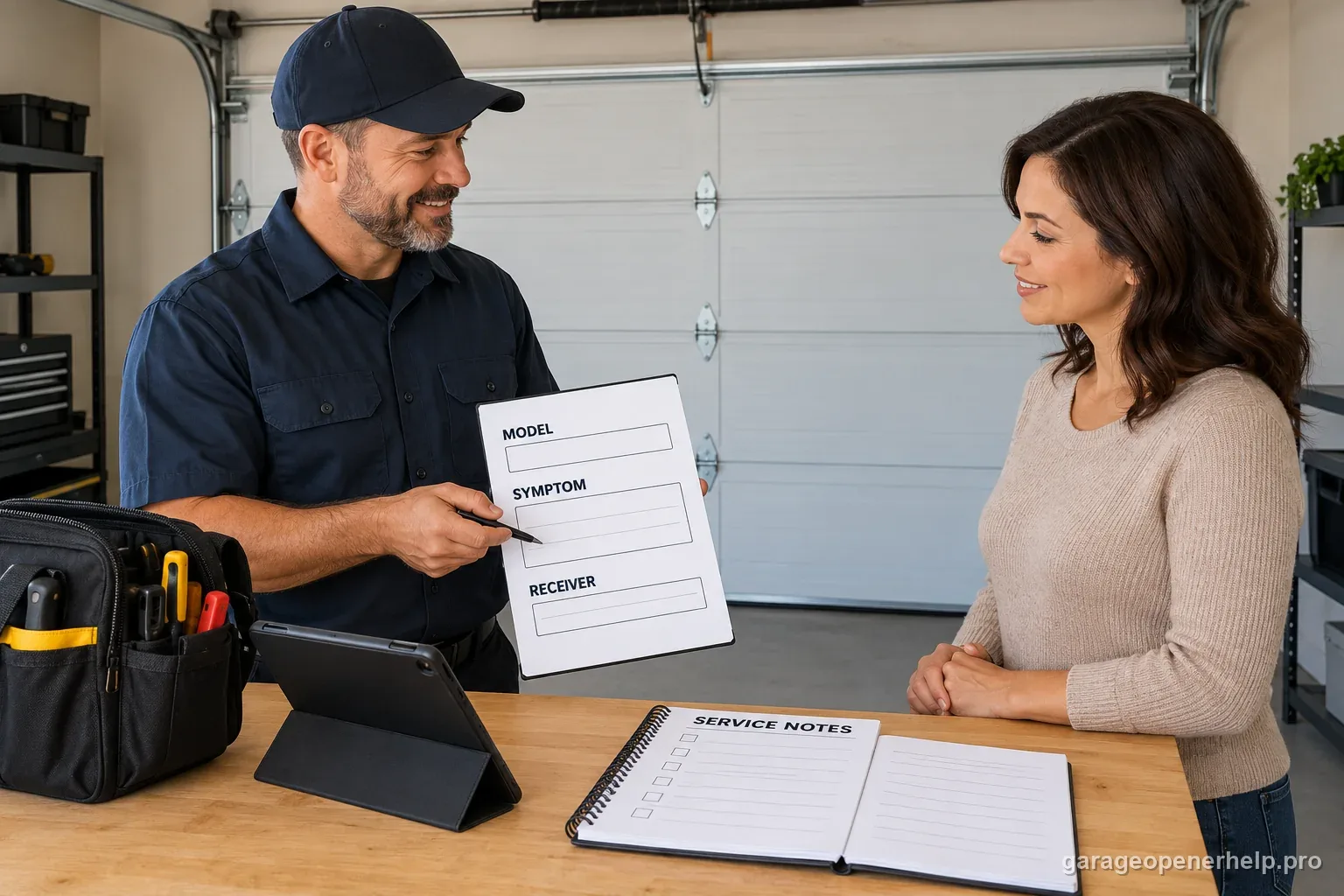
The owner guide warns that service requires disconnecting all electrical and battery power and specifies the replacement battery part. This is not a reason to open a live battery compartment during an outage. If the indicator remains red or low after stable AC is restored, give the exact model, light state and beep interval to the installing dealer or LiftMaster support. Let them confirm the correct part and service steps.
Do not keep cycling a door to estimate backup duration, and never prop, hold or bypass the door's safety devices. A backup battery cannot correct a broken spring, binding track, loose cable or failed photo-eye. If the door is unusually heavy, crooked, off-track, or fails a safety test, stop using it and hand off the mechanical issue to a trained door-systems technician.
Stop DIY troubleshooting when…
- The garage door is trapped, off-track, unusually heavy or moving unpredictably
- A spring, cable, bottom bracket or other high-tension part looks damaged
- You would need to open the battery compartment while power remains connected
- A red/low-battery signal persists on stable power or the unit gives a repeated diagnostic code
- A safety sensor, reversal test or door control does not function as the manual requires
Garage door springs, cables and a falling/unbalanced door can store or release dangerous force. Those are door-system problems, not just opener settings.
Common questions
Will the LiftMaster 2420L still open during a power outage?
LiftMaster lists integrated battery backup for the 2420L, and the user guide says the battery allows garage access during an outage. Operation may be slower. The backup state does not keep every app, light, camera or unattended-close feature running.
Why is my 2420L camera offline when the door still works?
The Security+ 3.0 guide says the built-in camera and myQ app control or monitoring do not work while the opener is running on battery. Check the battery-status LED and household AC before diagnosing Wi-Fi. If the camera stays offline after normal power returns, use its exact LED table and current reconnect instructions.
What does a solid orange battery LED mean?
Chamberlain Group's battery-status guidance says a solid orange LED with a beep about every two seconds means the opener is operating on battery power. Confirm the exact indicator against the 2420L manual; do not confuse the battery LED with the camera's separate status light.
How long will the 2420L battery keep operating?
The product and user-guide material reviewed here does not promise one universal runtime or cycle count for every door. Battery age, charge, temperature, door condition and how often it is used can change backup behavior. Do not plan emergency egress around an assumed number.
What should I do if the battery light stays red after power returns?
Record the exact light, beep pattern and model number, then contact the installing dealer or LiftMaster support for the model-specific battery replacement procedure. Do not open the compartment while connected to power, and do not substitute a battery from a different opener without confirmation.
Manufacturer sources used
These links are the factual baseline for the diagnostic claims above. Model-specific manuals can supersede general guidance.