LiftMaster lists both the 2220L and 2420L as 3/4 HPs-class DC chain-drive openers with myQ connectivity, an integrated camera, the L993S three-button remote and L955W control panel. The 2420L adds integrated battery backup; the 2220L is listed without it. Choose by whether local door operation during an outage matters to your household, then verify the complete model number and included controls on the exact product page. HPs is a comparison label, not measured DC horsepower.
2220L and 2420L: compare the current listed features
| Listed feature | 2220L | 2420L | Why it matters |
|---|---|---|---|
| Battery backup | No | Yes | Local operation may remain available on the 2420L during an outage, subject to manual limits. |
| Drive / motor label | DC chain drive; 3/4 HPs comparison | DC chain drive; 3/4 HPs comparison | HPs is not a measured door-lift capacity. |
| Camera and myQ | Built-in camera; myQ | Built-in camera; myQ | These shared features do not distinguish the pair. |
| Listed included controls | L993S remote; L955W panel | L993S remote; L955W panel | Confirm the actual written installation package. |
Check the full model number and current manufacturer listing. Camera, app, and local-control behavior can change with power state and installed hardware.
What you are likely to notice
- A listing or installer quote shows 2220L and 2420L and you need to compare them
- You want to know whether the built-in camera and myQ are present on both models
- You need the garage door to keep operating during a household power outage
- You are replacing an older opener and want to identify the exact new model
- You want to check whether the included remote and wall control differ
Check these in order
1. Start with the full model label, including the L
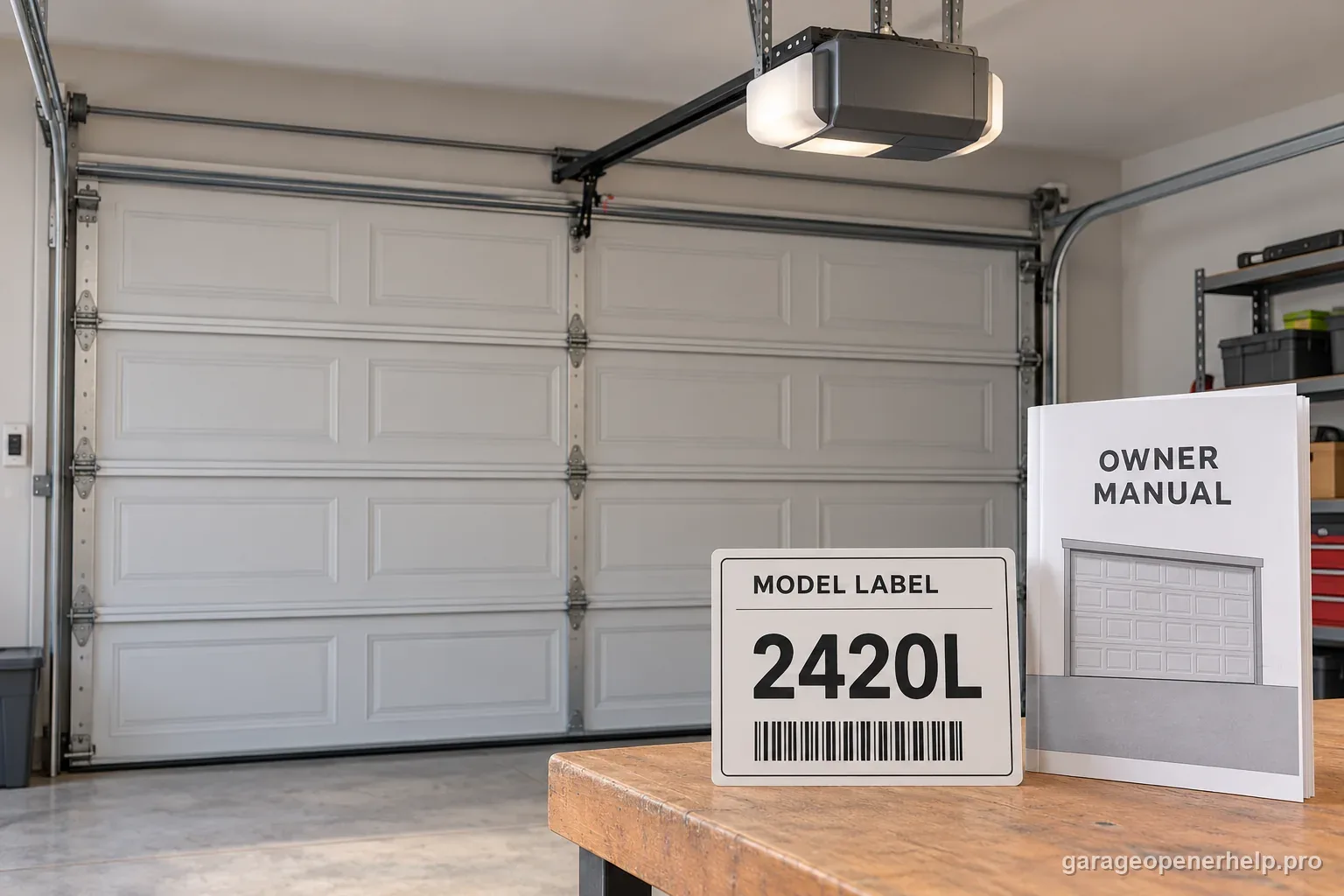
Read the complete number on the opener's motor-unit label or the installer's written quote. The current model pages name 2220L and 2420L; a nearby older number such as 2220 or 2420 is not proof that the installed unit has the same drive, radio generation, camera, accessories or backup package. Photograph the label and compare it with the current LiftMaster product page and Security+ 3.0 user guide. Do not choose accessories from a partial number, an old remote, or the appearance of the housing alone. If an external receiver was added, record its model separately because it can change which control is active.
2. Compare the listed features before assuming they are different
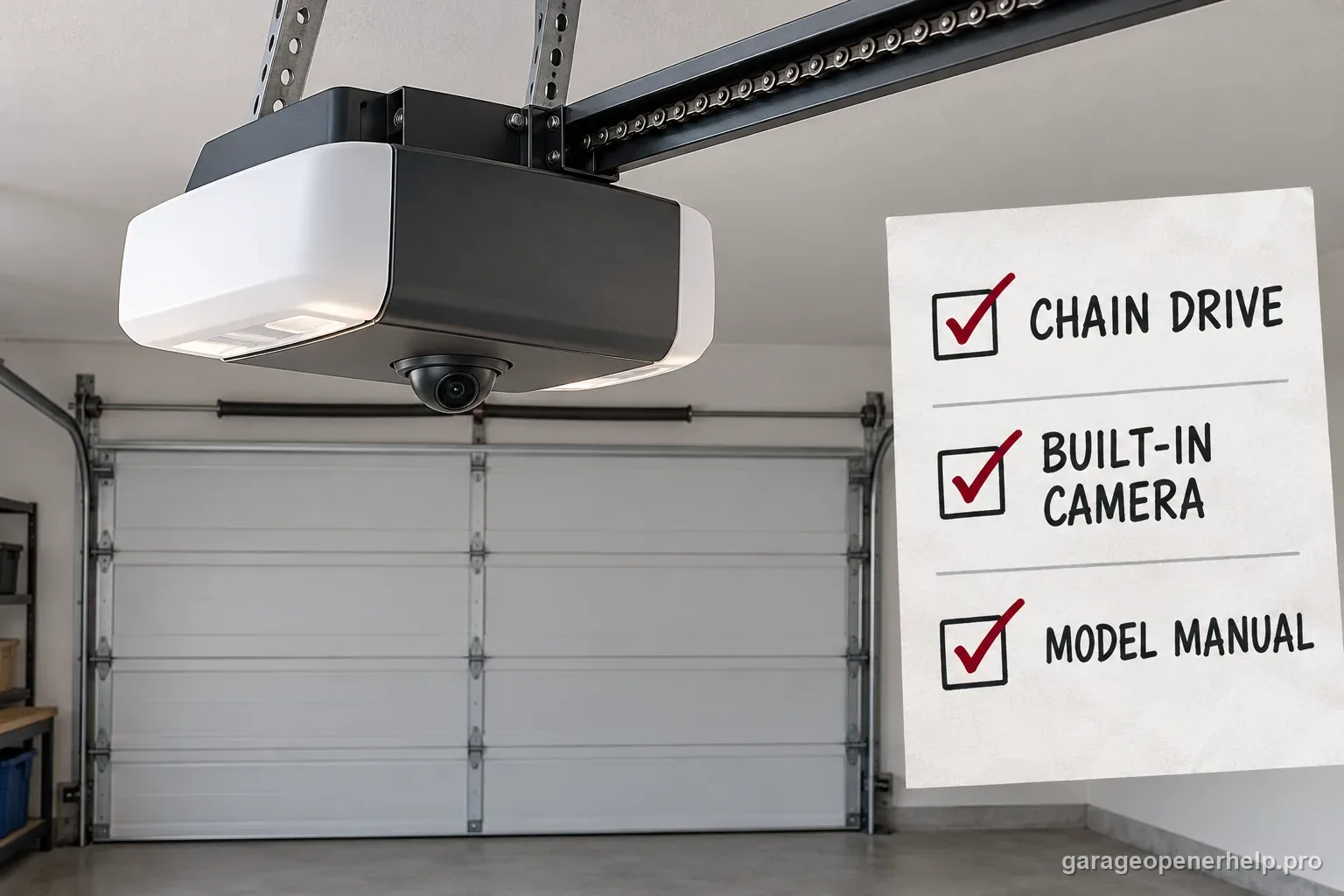
LiftMaster's current pages list both as DC chain-drive openers with built-in cameras, myQ smartphone connectivity and myQ Diagnostics. Both product pages list an L993S three-button remote and an L955W multi-function garage control panel in the package. Both are described in the Security+ 3.0 user-guide family. That makes the backup package the documented decision point for many homeowners; the camera, app and remote facts do not by themselves distinguish the two. Recheck the exact seller package because an installed unit may include dealer-selected accessories beyond the base listing.
3. Decide whether door operation during an outage is important
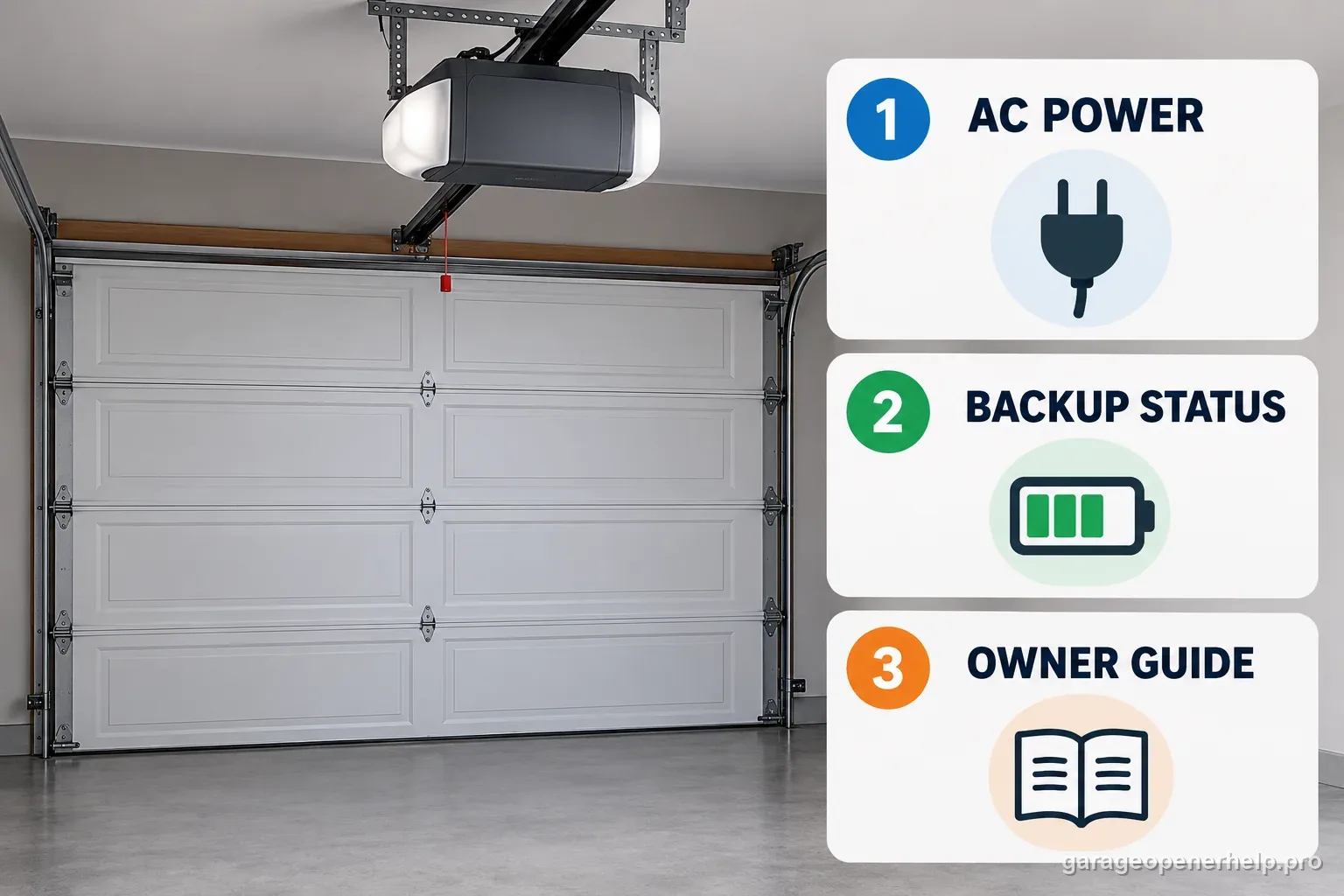
The 2420L product page lists battery backup as included. The 2220L page lists Battery Backup: No. If you need the powered opener to operate when utility power is unavailable, the 2420L is the model in this pair with that feature. Do not treat backup as a promise of a fixed number of cycles or hours: the manufacturer materials reviewed here do not provide a universal runtime for every door, battery age, temperature and usage pattern. If the garage is a required accessible exit, keep a separate, reliable way to leave the building and follow local life-safety guidance.
4. Keep backup limits separate from camera and app expectations
Battery backup preserves local door operation, but it does not preserve every connected feature. For the 2420L, LiftMaster's user guide says the opener may run more slowly on battery; the opener lights, myQ app control and monitoring, camera and unattended close functions are disabled. So a missing app status or camera view during an outage is not enough to diagnose failed Wi-Fi hardware. The 2220L has no listed battery backup, so an outage should not be treated as a backup-battery troubleshooting case for that model.
5. Check the controls against the current Security+ 3.0 documentation
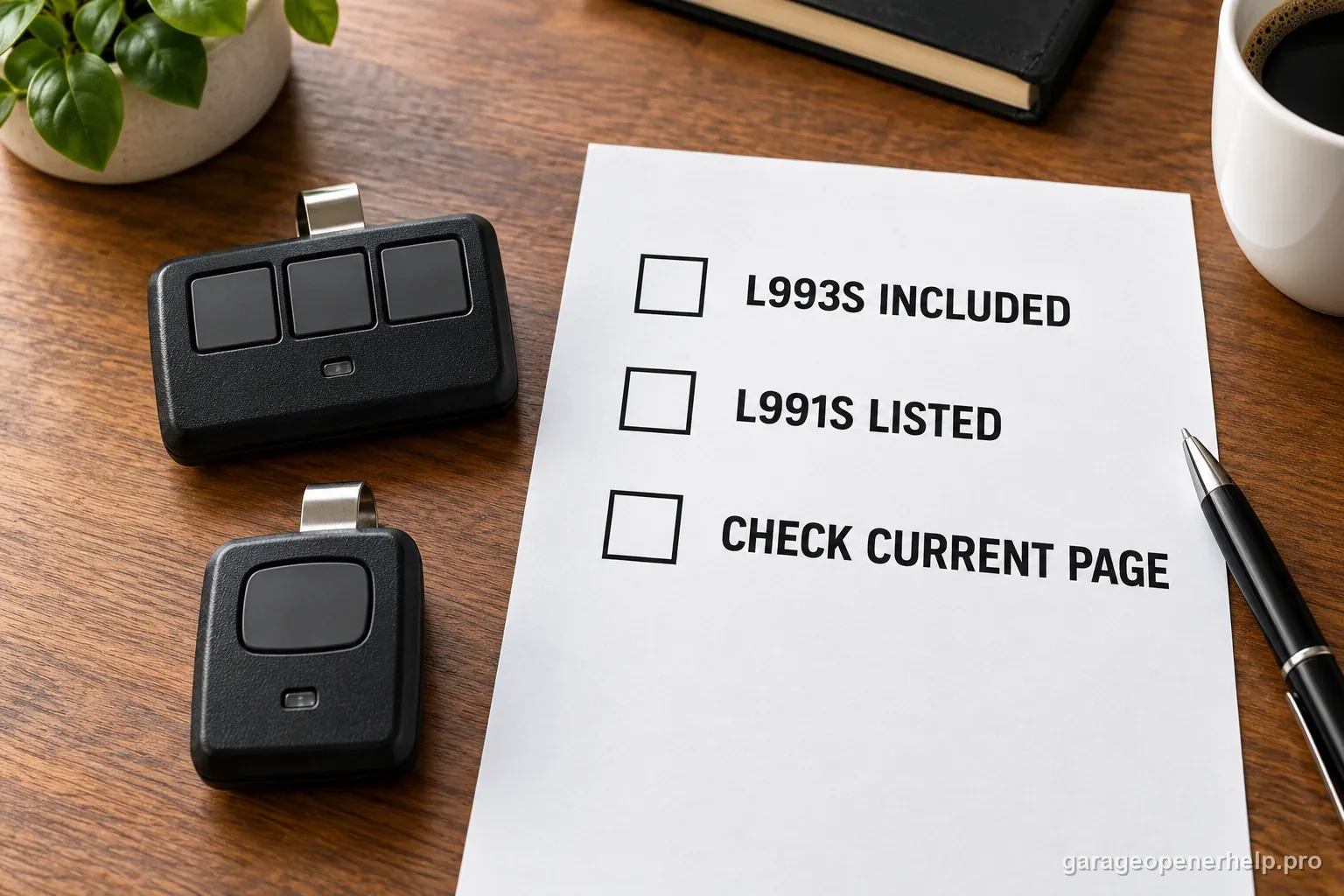
LiftMaster lists the L993S three-button remote with both openers and the L991S one-button remote as a compatible accessory on the product pages. The shared user-guide family identifies the models as Security+ 3.0 units. Use those exact product records rather than importing older Security+ 2.0 Learn-button assumptions from a different opener. If your installed receiver has been replaced, pause and verify that receiver too; model-level factory compatibility cannot establish what hardware is currently connected.
6. Treat the 3/4 HPs label as a comparison, not a door-weight test
LiftMaster marks its 3/4 HPs figure as a comparison and says DC motor lift capacity is not measured in horsepower. It is not a rating that tells you the actual weight a particular door can safely lift. Before blaming the motor or choosing between models because a door feels heavy, use the correct owner-level balance check only when the door and hardware look safe. A dropping, crooked, binding or unusually heavy door, a damaged spring or a loose cable belongs with a trained door-systems technician; do not increase force to push through resistance.
7. Confirm the written package before the installer leaves
Ask the installer to put the exact model number, included remote and wall control, camera, battery-backup status and any added receiver on the invoice. Verify the product sticker after installation and keep the owner guide with that record. For a 2420L, ask where the battery status indicator is and what the manual says to observe; do not open the compartment or handle wiring while power is connected. For a 2220L, do not order a backup battery based on a listing for a different model. Confirm a replacement part with LiftMaster or the installing dealer.
The battery package is the documented divider
LiftMaster's current product pages make a useful side-by-side possible without guessing at hidden motor specifications. Both listings describe a DC chain drive, integrated camera, myQ, myQ Diagnostics, an L993S remote, and an L955W wall panel. Both show one bulb socket with a 60-watt maximum. The 2420L page lists Battery Backup: Yes. The 2220L page lists Battery Backup: No. If a quote says both units include backup, ask the dealer to confirm whether a separate accessory or a different model is included.
That distinction also changes what a homeowner should expect when utility power disappears. The 2420L can continue local door operation from its integrated battery, within the guide's stated limitations. The 2220L is not listed with that feature, so the door should not be expected to operate from an integrated backup battery. Do not transfer battery parts, LED meanings or beeping behavior from a different opener just because the brand and housing look similar.
Do not shop by the camera or myQ badge alone
The camera and app are shared features in these two model listings. A household that mainly wants remote monitoring should compare the network and camera requirements in the current manual, but should not assume the 2420L has a more capable camera merely because its model number is higher. LiftMaster describes a built-in camera on both product pages. The distinction relevant to outage access is the battery package, not the presence of the camera.
During backup operation on the 2420L, the camera and myQ app control or monitoring are unavailable. This can surprise someone who chose battery backup expecting every smart feature to stay live. The backup feature is intended to keep local door access available during a power interruption; it is not an alternate power source for the camera, app, lights or unattended close functions.
Use the exact accessory list instead of a generation shortcut
Both product pages list an L993S three-button remote and L955W multi-function control panel in the included package, and both list the L991S as a compatible accessory. The Security+ 3.0 user guide names the 2220L and 2420L. That is stronger evidence for the factory baseline than a generic chart for older round yellow Learn-button models. It still does not identify an added receiver or dealer-installed accessory, so preserve those labels separately if the equipment has been changed.
If you are replacing a control, note the model printed on the accessory and the opener label. Verify the exact combination against LiftMaster's current accessory chart or ask the dealer. The phrase 'works with LiftMaster' is too broad to establish Security+ generation, receiver compatibility or a complete package.
A short decision checklist for the quote
Choose the 2420L when integrated backup operation is a requirement and the exact installation package confirms it. The 2220L remains the listed camera-equipped, myQ-connected chain-drive option without integrated battery backup. If you are comparing two quotes, ask each installer to write down the full model number, the backup status, included L993S and L955W controls, and any additional receiver or keypad. Then compare installation scope and dealer terms separately; the public product pages are not a substitute for a local installation quote.
Before accepting either installation, read the correct owner guide, check that the door moves freely, and test the safety reversal system using the model's prescribed procedure. A heavier door is not a reason to raise opener force or bypass a safety device. If the door binds, falls, is crooked, or has damaged spring or cable hardware, pause the model comparison and have the door system assessed by a trained technician.
Stop DIY troubleshooting when…
- The installed model label is missing, damaged or differs from the quote
- A seller describes the 2220L as having integrated battery backup
- The door is heavy, off-track, crooked, dropping or has damaged spring/cable hardware
- A replacement receiver or third-party control is installed and compatibility is unknown
- A safety reversal test fails after installation or service
Garage door springs, cables and a falling/unbalanced door can store or release dangerous force. Those are door-system problems, not just opener settings.
Common questions
What is the main difference between the LiftMaster 2220L and 2420L?
LiftMaster lists integrated battery backup on the 2420L and lists no battery backup on the 2220L. Both product pages describe a DC chain drive, built-in camera, myQ, myQ Diagnostics, an L993S remote and an L955W wall control. Check the exact model label and package before ordering.
Does the 2220L have a camera?
Yes. LiftMaster's current 2220L product page lists a built-in camera and myQ connectivity. It also lists Battery Backup: No, which is the key outage distinction from the 2420L in this comparison.
Will the 2420L camera work during a power outage?
No. The Security+ 3.0 guide says the camera and myQ app control or monitoring do not work while the opener is using battery backup. Local door operation may remain available, but the connected camera feature is disabled in that power state.
Do the 2220L and 2420L use the same remote?
LiftMaster lists the L993S three-button remote in the package for both models and lists the L991S one-button remote as compatible. Both models appear in the Security+ 3.0 guide. Verify the active receiver if the opener was modified after installation.
Does 3/4 HPs mean either opener can lift any 3/4-horsepower-rated door?
No. LiftMaster marks HPs as a comparison label and says DC motor lift capacity is not measured in horsepower. It is not a door-weight rating. A heavy, binding or unbalanced door needs a door-system check, not a higher force setting.
Manufacturer sources used
These links are the factual baseline for the diagnostic claims above. Model-specific manuals can supersede general guidance.