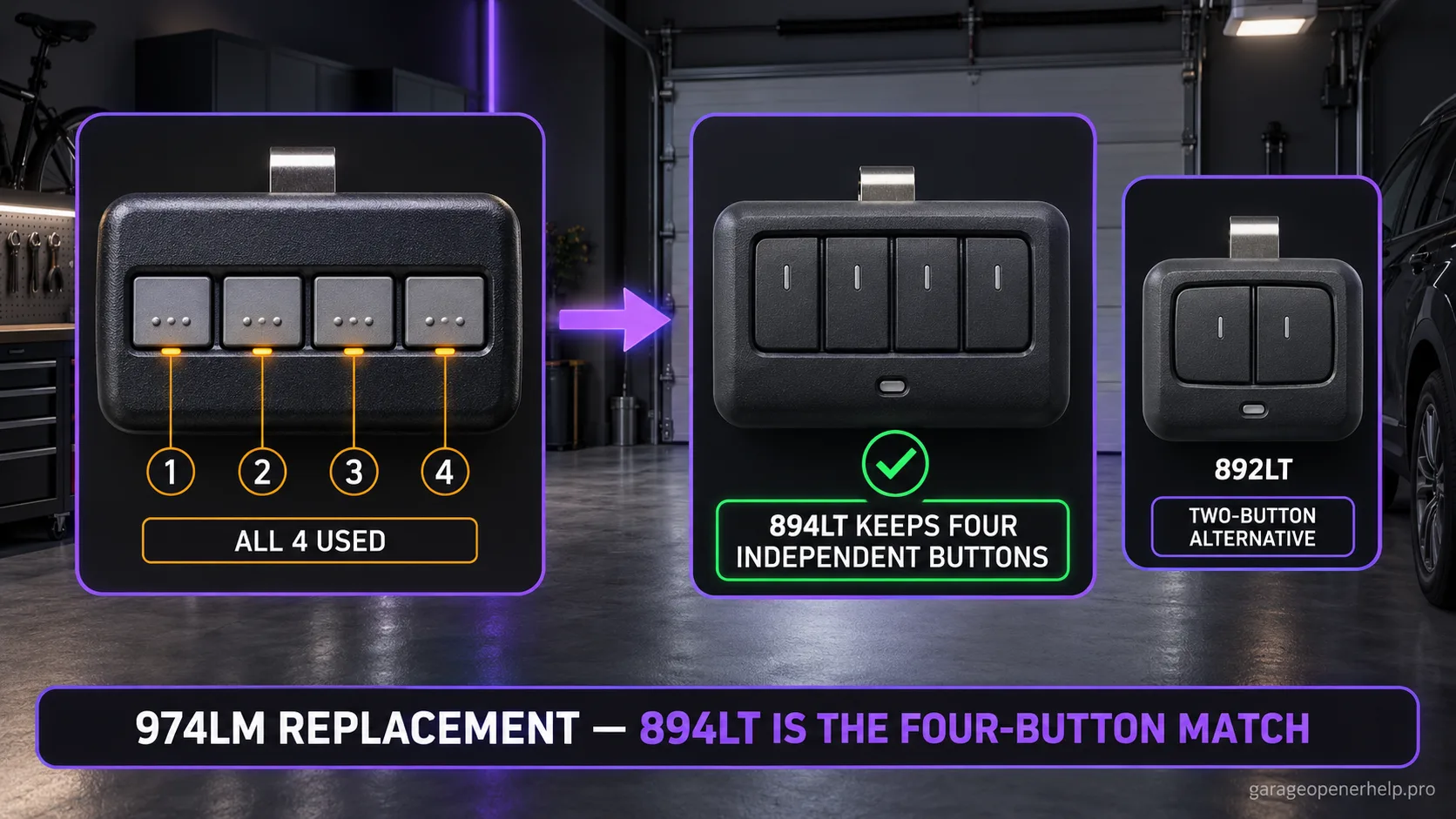
For a LiftMaster 974LM, Chamberlain Group explicitly identifies the 892LT and 894LT as replacement models. If you used all four buttons on the 974LM, the 894LT is the closer functional replacement because it keeps four independently programmable buttons; 892LT is an option only when two channels are enough.
Diagnostic snapshot
- Answer
- LiftMaster 974LM is explicitly mapped by Chamberlain Group to the 892LT/894LT replacement family; 894LT is the closer four-button match when all four channels matter.
- Check first
- Record what each old 974LM button controls before migrating the setup.
- Strong clue
- LiftMaster describes 894LT as a four-button learning remote with independently programmable buttons across supported Security+ frequency/code families.
- Model / generation note
- A managed community gate may require administrator enrollment even when the replacement remote is radio-compatible.
Start replacement from the old remote model, then verify the receiver generation
What exact model is printed on the old LiftMaster / Chamberlain remote?
A current universal/MAX remote can replace multiple older accessories, but the migration path should start from the documented old model or receiver generation—not case shape or button count.
What you are likely to notice
- The remote label says 974LM
- The old remote controlled several doors, receivers or gates
- You want a current replacement with four buttons
- You need to know whether a two-button replacement would lose useful channels
Check these in order
1. Write down what every 974LM button currently controls
Before the old remote fails completely, record each door, gate, receiver or light associated with each button. This turns replacement into four known compatibility checks instead of one vague assumption.
2. Use 894LT when four independent buttons are still required
LiftMaster describes the 894LT as a four-button learning remote with independently compatible/programmed buttons. That makes it a closer capacity match than the two-button 892LT when the old 974LM genuinely used three or four channels.
3. Verify managed gate systems separately
A household garage opener can often be reprogrammed directly by the owner, while gated-community receivers may be controlled by management or a dealer. A remote being radio-compatible does not automatically grant or reproduce an access credential.
4. Rebuild the setup one channel at a time
Program and test the first confirmed receiver before moving to the next button. If one old 974LM channel used a receiver outside the supported chart, this method preserves the successful channels without turning the whole migration into guesswork.
Why four buttons can be more than a convenience feature
A four-button 974LM may have accumulated several jobs over its life: two garage doors, a gate receiver and another compatible device, for example. Replacing it with a two-button remote can technically solve one door while silently dropping other functions. That is why 894LT is the more natural functional successor when all four channels still matter.
LiftMaster describes 894LT as supporting independent programming per button and different frequency/code families. The official compatibility chart also names 894LT as a replacement for 974LM. Those two facts are more meaningful than choosing a replacement only because it also has four visible buttons.
Do not confuse compatibility with access authorization
One of the old 974LM buttons may have controlled a shared gate. Community and commercial receivers can require managed enrollment. A homeowner should not expect a new 894LT button to reproduce access merely by pressing LEARN on a residential opener.
Build a small inventory first: device name, receiver model if visible, old button assignment, and who controls access. Then migrate the residential opener buttons you can verify and handle managed receivers through the correct administrator. This makes the replacement process safer and easier to troubleshoot.
A replacement plan for a mixed four-button setup
Four-button remotes are often where hidden compatibility assumptions accumulate. One button may operate a garage opener, another a detached garage, another a gate, and the fourth may be unused. Map those roles before ordering so the 894LT is evaluated against the actual receivers rather than against the old remote as a single object.
Then migrate the simplest residential opener first. A successful first channel confirms the remote is functioning and your programming sequence is sound. Move to the next known receiver only after that. If the managed gate is the only channel that fails, you have isolated an enrollment/receiver issue instead of blaming the replacement remote.
Stop DIY troubleshooting when…
- A community or commercial gate requires administrator enrollment
- You cannot identify which receiver a button controls
- The receiver technology falls outside LiftMaster's documented support
- A gate/access-control credential is being confused with ordinary garage-door pairing
Garage door springs, cables and a falling/unbalanced door can store or release dangerous force. Those are door-system problems, not just opener settings.
Common questions
What is the current replacement for LiftMaster 974LM?
Chamberlain Group explicitly lists 892LT and 894LT as replacement models for 974LM. 894LT is the closer capacity match when four buttons are still needed.
Can I replace 974LM with a two-button 892LT?
Yes when only two channels are needed and the receivers are supported. It will not preserve four independently accessible functions.
Will 894LT automatically work with a community gate?
Not necessarily. Radio compatibility and managed access enrollment are separate issues; community receivers may require administrator or dealer programming.
Manufacturer sources used
These links are the factual baseline for the diagnostic claims above. Model-specific manuals can supersede general guidance.