On supported Chamberlain/LiftMaster openers that use the UP/DOWN arrow diagnostic table, 4-1 identifies an unexpected RPM or DC-motor-current change during DOWN travel. The operator may stop and reverse before the floor or after reaching it. Confirm the exact model’s code table, record where the reversal happens, and check for door binding before considering opener electronics. The code is not a universal diagnosis for every LiftMaster generation.
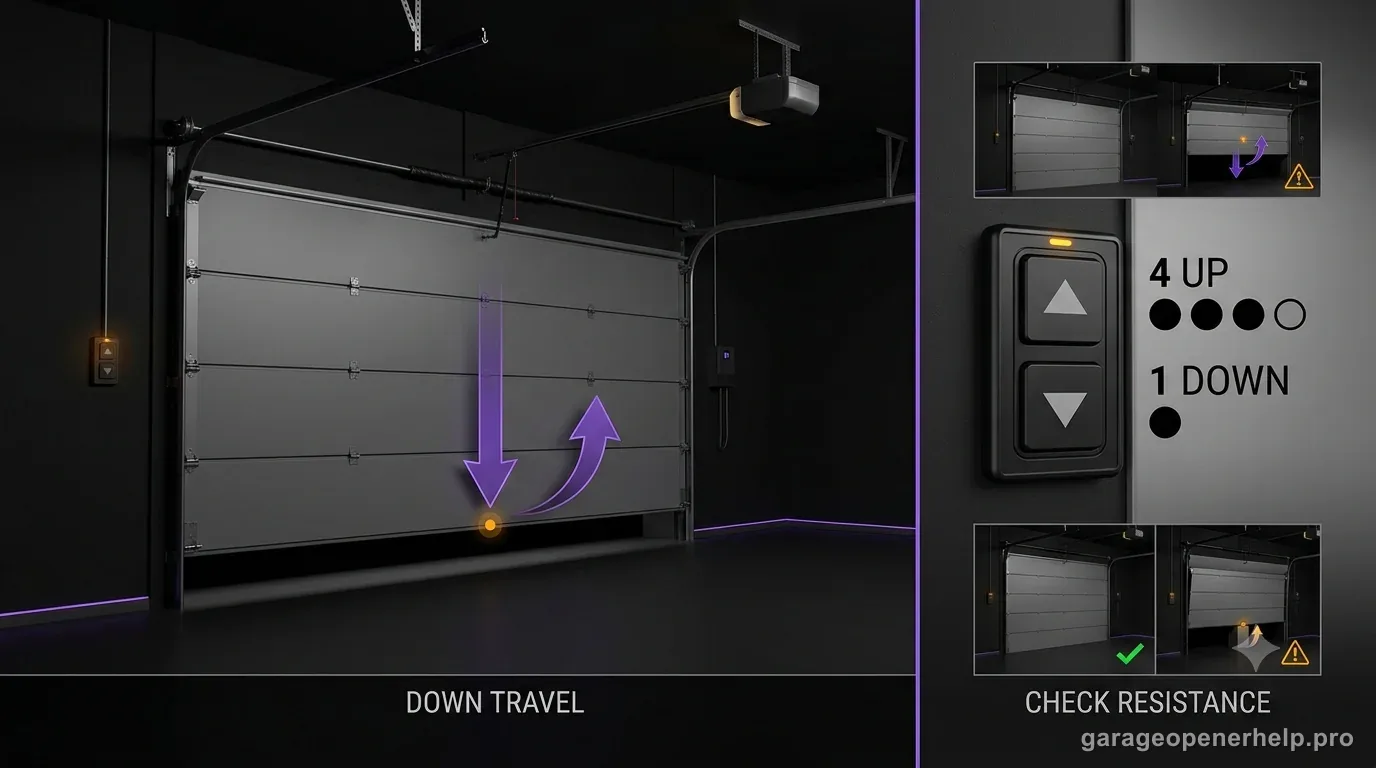
Match the 4-1 observation to the next safe step
The code points to a model-specific DOWN-travel diagnostic branch; the behavior helps a technician decide what to inspect next but does not identify a failed part by itself.
| What you observed | What it helps distinguish | Safe next step |
|---|---|---|
| Door reverses before touching the floor | A mid-travel interruption or resistance event from a floor-contact reversal | Note the approximate height and whether it happens at the same spot; stop repeated cycles. |
| Door reaches the floor, then reverses | A floor-contact reversal rather than a mid-travel stop; the code alone does not identify a failed part | Record whether the bottom seal meets the floor evenly; use only the exact model procedure. |
| Sensor LED is off or a different pattern appears | A separate photo-eye, wiring, or obstruction branch | Use the exact sensor-code guide; never bypass the beams or hold a control as a workaround. |
| Door looks crooked, binds, drops, or feels unusually heavy | A door-system condition that can overload the opener | Stop opener troubleshooting and contact a trained door-systems technician. |
| myQ shows 4-1 but the opener display is unclear | A need to confirm model and diagnostic surface before choosing a procedure | Photograph the model label and app message; check the matching manual or ask a dealer. |
A 4-1 code and a symptom can narrow the discussion, but neither authorizes force adjustments or spring/cable work. The model manual and manufacturer diagnostics remain the authority for any adjustment or safety test.
Diagnostic snapshot
- Answer
- LiftMaster/Chamberlain 4-1 is a DOWN-travel RPM/current diagnostic. Chamberlain Group’s detailed code table says the opener detected an unforeseen change in RPM or DC motor current while closing; it does not identify one failed part by itself.
- Check first
- With the door fully closed and stable, check for obvious obstruction or binding and compare manual door movement only as the owner manual allows.
- Strong clue
- A door that is heavy, crooked, catches while closing, or reverses at the same point points away from blind parts replacement and toward the door/travel branch.
- Model / generation note
- For 4-1, distinguish reversal before floor contact from reversal after the seal reaches the floor; DOWN-travel procedures differ by opener generation.
Read an UP / DOWN diagnostic code in the correct order
Which arrow flashes first, and how many times?
Security+ 2.0 openers with UP and DOWN adjustment arrows report a code as UP-arrow flashes followed by DOWN-arrow flashes, then pause and repeat. A 4-1 therefore means four UP flashes followed by one DOWN flash; the code does not mean '41 flashes'.
Separate a reversal above the floor from one after floor contact
Does the bottom seal touch the floor before the opener reverses?
That observation changes the troubleshooting branch. A reversal above the floor keeps sensors, obstruction, resistance and model-specific force/travel behavior in play. Clear floor contact followed by reversal makes excessive DOWN travel a stronger clue on Chamberlain Group guidance, after mechanical resistance is ruled out.
This exact manufacturer signal can feed the following diagnostic families. Keep the original code or LED pattern when troubleshooting.
What you are likely to notice
- The door reverses near the floor or before completing travel.
- The opener reports 4-1 in myQ diagnostics or on a compatible diagnostic display.
- The door may appear harder to move than usual or behave differently when disconnected from the opener.
Check these in order
1. Save the exact code and opener model
If the arrows blink, count UP flashes first, pause, then count DOWN flashes; confirm that the pattern repeats. Photograph the motor-unit model label and note whether 4-1 came from the opener display or myQ. Chamberlain Group publishes more than one diagnostic surface, so use the table or manual for the exact opener rather than applying a code from a different generation.
2. Record the point where closing changes
From a safe position, note whether the door stops before floor contact, reverses immediately after touching the floor, or fails at the same height each time. Also note whether the door starts moving, slows, strains, or does not move. Do not stand under a moving door, hold it down, or repeat cycles to force the symptom.
3. Inspect the stationary door path
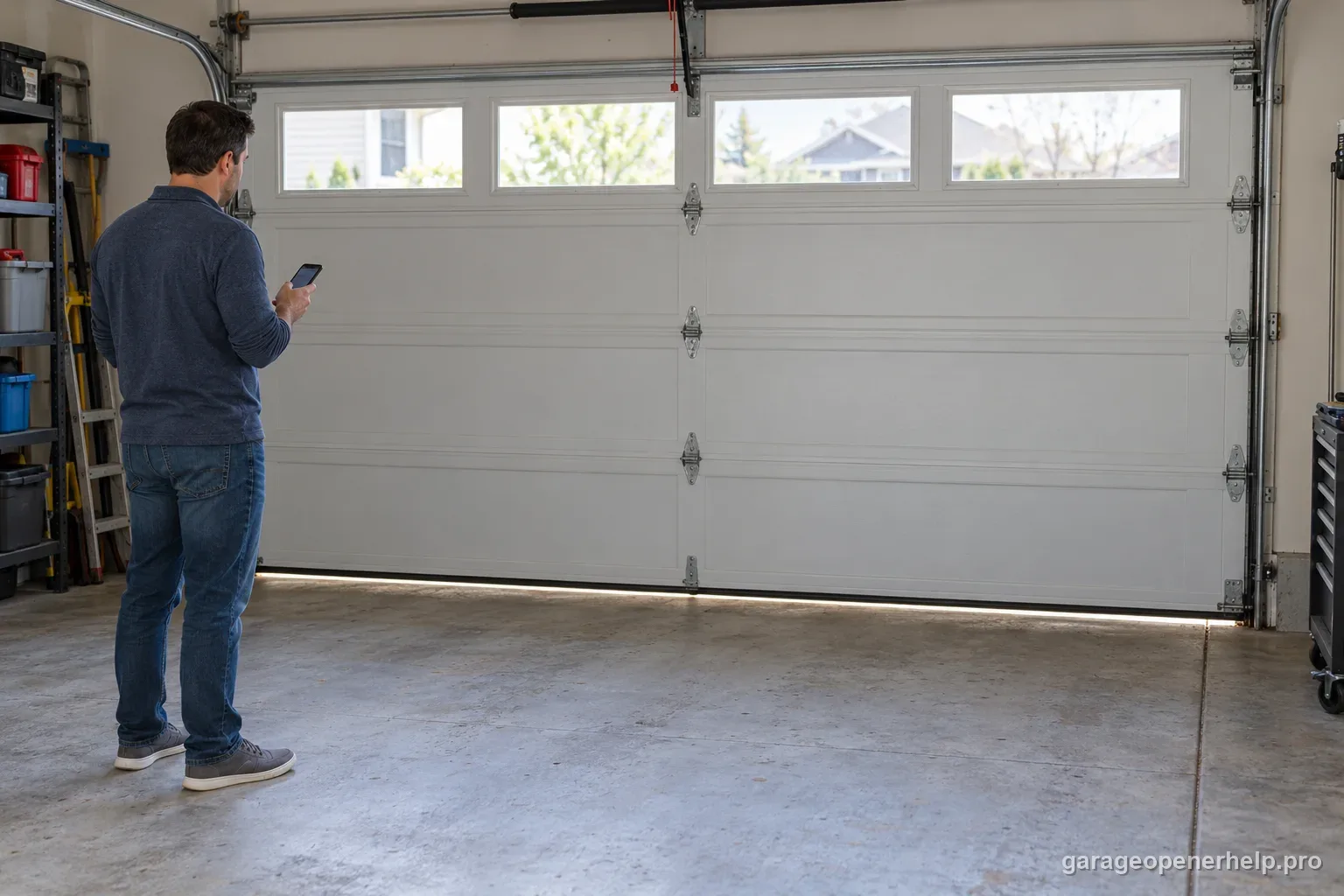
With the door stopped, look for an object in the opening, visible track damage, a roller out of its track, ice or debris at the floor, and obvious contact between the door and nearby storage. Keep hands and tools away from rollers, hinges, cables and springs; do not straighten or loosen hardware.
4. Treat sensor clues as a separate branch
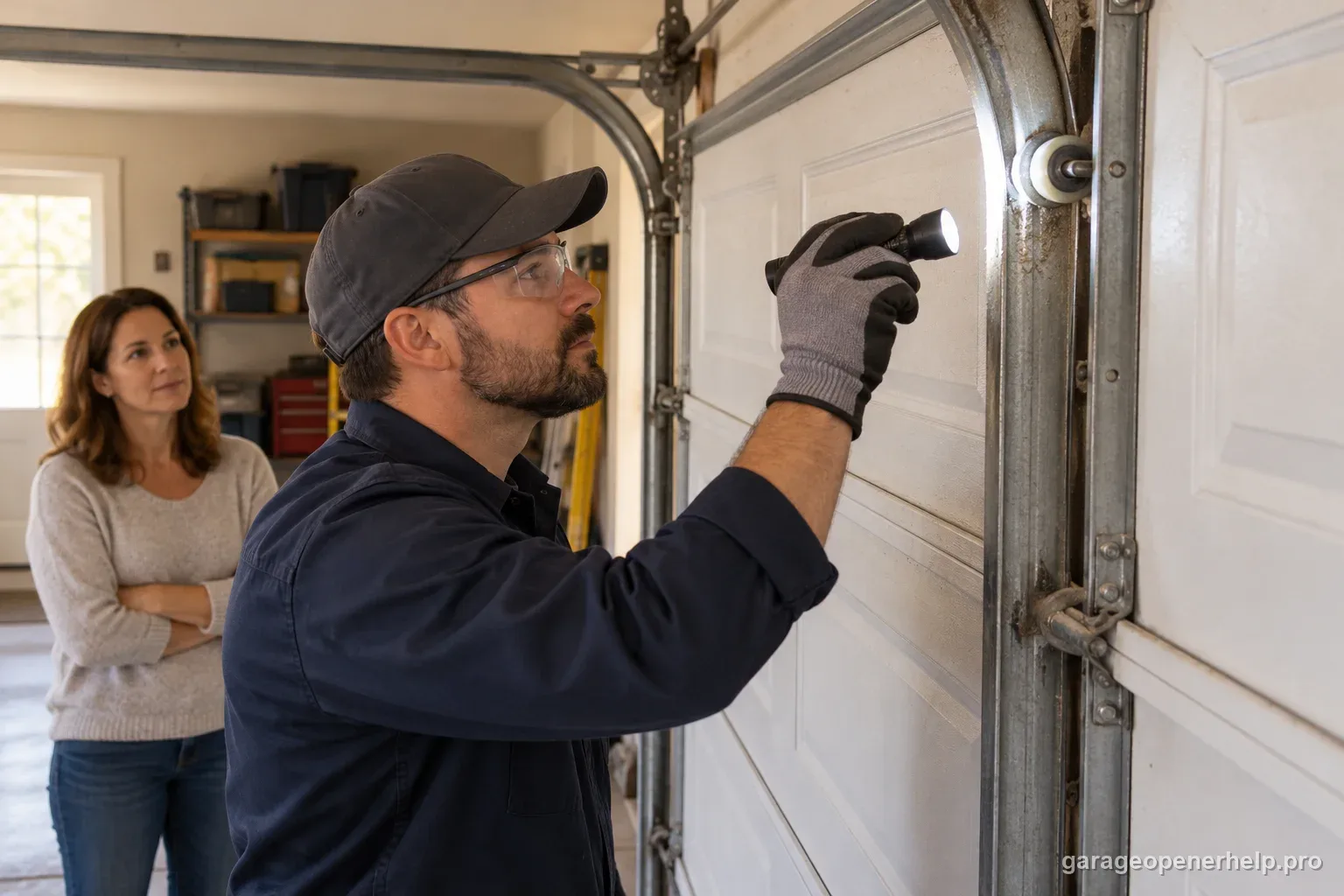
Check the safety-sensor indicators only if the behavior also matches a photo-eye symptom. A sensor obstruction or alignment problem is not the documented meaning of 4-1 in the detailed arrow-code table. If the opener reports a different sensor code, flashes its lights in the model-specific sensor pattern, or will not close from a remote because a sensor LED is off, use the matching sensor guide instead of combining diagnoses.
5. Separate door resistance only when safe
Use the emergency release only when the door is fully closed, stable, and the exact owner’s manual allows the check. Move the door only enough to notice a heavy spot or binding; do not test spring balance, adjust spring tension, or continue if it is crooked, unusually heavy, drops, or has damaged cables or springs. Stop and contact a trained door-systems technician if any of those clues appear.
6. Use model-specific travel diagnostics
If the door path looks clear and there are no signs of mechanical trouble, follow the exact model manual or myQ diagnostic instructions. Do not turn up force, erase settings, or run a relearn simply to suppress 4-1. If the fault returns, preserve the model number, code, reversal point, sensor state and any recent door work for a dealer or technician.
Read the code against the correct manufacturer table
The Chamberlain Group diagnostic table for UP/DOWN-arrow models describes 4-1 as an unexpected RPM or DC-motor-current change while the door travels DOWN. Its separate myQ help page uses the heading “Excessive Opening Force Detected” but describes too much force while closing and a door that reverses before or after floor contact. Keep those wording differences visible: the exact model manual and diagnostic surface decide which procedure applies.
Do not assume every LiftMaster opener uses the same two-arrow format or the same meaning. First match the model number and indicator style to its manual. A four-flash/one-flash code belongs to the supported arrow-code family only when that diagnostic system is actually present.
Use the reversal point to choose what to document
A reverse before floor contact, a reverse immediately after floor contact, and a slowdown at the same height are different observations; none alone proves a failed sensor, force setting, logic board, or spring. Record the approximate height and direction, whether the door touched the floor, whether myQ and the opener show the same code, and whether the condition began after weather, impact, maintenance, or a change to the door seal.
Compare that record with the exact manual and share it with a dealer if the code repeats. This gives a technician a useful timeline without asking a homeowner to reproduce a hazardous fault or change a safety setting.
Keep photo-eye faults separate from a 4-1 force/RPM report
Safety reversing sensors protect the closing path, but a broad search result can make sensor misalignment sound like the definition of 4-1. The detailed Chamberlain Group arrow-code chart assigns 4-1 to a DOWN-travel RPM/current change; sensor wiring, interruption, or alignment has its own code and behavior branches. A sensor LED that is off, a door that refuses remote closing, or a different repeating flash pattern is evidence to follow the sensor guide—not proof that the 4-1 code itself means a photo-eye fault.
Never bypass a safety sensor or hold a wall button as a workaround. If the opener’s display and symptoms appear to disagree, stop, photograph the exact indicator pattern, and check the model-specific support page before changing anything.
Do not override resistance with force or a generic reset
Increasing closing force can allow an opener to push through resistance instead of exposing it. That can hide a binding door or defeat a protective response. Generic instructions such as holding an arrow for a fixed number of seconds, turning a dial by a set number of clicks, unplugging the unit, or erasing memory are not interchangeable across model families and are not a first-line fix for this code.
LiftMaster manuals warn owners not to loosen or adjust springs, cables, pulleys, brackets, or related high-tension hardware. They direct owners to a trained door-systems technician when a door binds, sticks, or is out of balance. If a model-specific adjustment is ever made by an authorized procedure, complete the exact manual’s safety-reversal test afterward; do not return the opener to routine use if that test fails.
Stop DIY troubleshooting when…
- A spring or cable looks damaged
- The door is unusually heavy by hand
- The track is bent or a roller is coming out
- The code returns after basic obstruction checks
Garage door springs, cables and a falling/unbalanced door can store or release dangerous force. Those are door-system problems, not just opener settings.
Common questions
What does 4-1 mean on a LiftMaster opener?
For supported Chamberlain Group UP/DOWN-arrow models, 4-1 is an unexpected RPM or DC-motor-current change during DOWN travel. Confirm the exact model’s table; not every LiftMaster generation uses that same diagnostic format.
Does code 4-1 mean the safety sensors are misaligned?
Not by itself. The detailed arrow-code table assigns 4-1 to DOWN-travel RPM/current behavior. Sensor interruptions have separate indicators and code paths; follow the symptom and exact model manual.
Can I increase the force setting to clear the error?
Do not raise force to make the door push through resistance. First record the symptom and inspect only for visible, stationary obstructions. If the door binds or feels unbalanced, stop and call a trained technician.
Is a manual door-balance test safe?
Only follow a manual’s owner-level check when the door is fully closed and stable and there are no signs of damage. Do not test or adjust springs, cables, or their hardware; a heavy, crooked, dropping, or binding door needs professional service.
What should I tell the technician?
Give the opener model, exact code pattern, whether the door reversed before or after floor contact, approximate stopping height, sensor indicator state, and any recent weather or door work. Avoid repeatedly cycling or resetting the opener to recreate the fault.
Manufacturer sources used
These links are the factual baseline for the diagnostic claims above. Model-specific manuals can supersede general guidance.