On supported LiftMaster and Chamberlain openers, 4-UP/2-DOWN means the operator detected excessive force while opening; the door may stop before fully open. Chamberlain Group says the cause can vary and recommends dealer diagnosis. Check only for an obvious visible obstruction and record how the door moves. Do not raise force, adjust springs or assume a closing sensor fault from a 4-2 code.
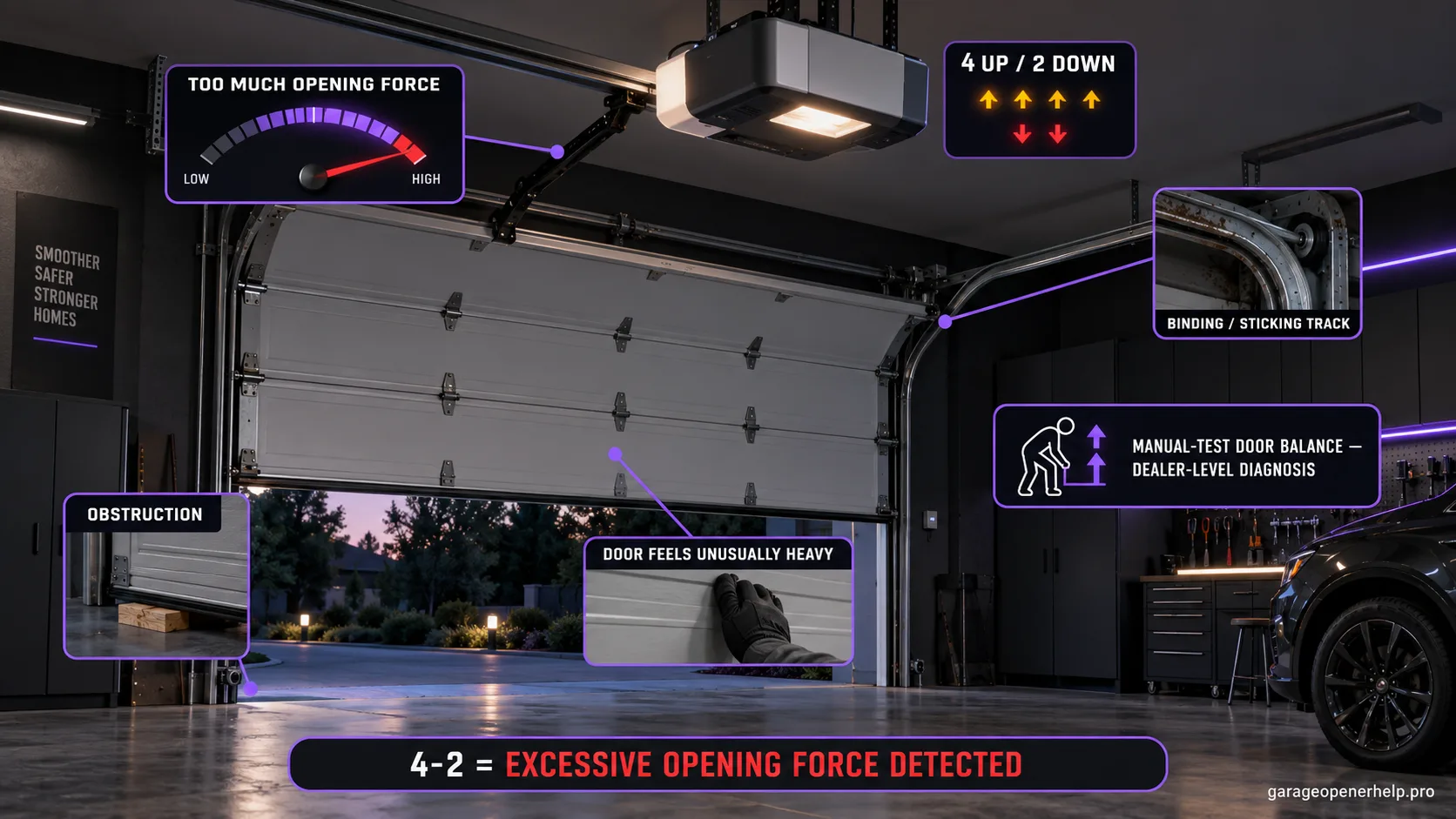
Read a 4-2 by travel direction before choosing a fix
The official meaning is excessive opening force. Similar advice online often merges it with closing sensor faults, so verify the code and what the door did.
| Evidence | What it means | Safe next step |
|---|---|---|
| 4-UP / 2-DOWN; door stops before fully open | Manufacturer defines an excessive opening-force condition; the code alone does not identify one failed part | Record opener model and stop height; check only visible obstruction, then contact a dealer if it returns. |
| Door will not close; photo-eye LED is off or flickering | A sensor or closing-path issue is a different branch from the 4-2 opening-force code | Capture the exact sensor code and both LED states; use the model-specific sensor guide. |
| Door is heavy, uneven, crooked or binds | Door-system resistance or balance may be unsafe; it is not a signal to increase opener force | Stop and contact a trained door technician; do not adjust springs or cables. |
| Generic site recommends a 4-2 sensor reset or repeated close cycles | That conflicts with Chamberlain Group's published opening-force definition and dealer recommendation | Do not follow sensor-only or repeated-cycle advice without an exact code/model match. |
| Door reaches fully open but then drifts or moves unexpectedly | The movement symptom differs from the published 4-2 stop-before-fully-open behavior | Record the exact code and use the matching movement/position diagnostic path. |
Chamberlain Group's dedicated page says causes vary and recommends dealer diagnosis. This table classifies evidence; it is not a force-adjustment or door-balance procedure.
This exact manufacturer signal can feed the following diagnostic families. Keep the original code or LED pattern when troubleshooting.
What you are likely to notice
- The opener stops the door before it reaches the fully open position
- A compatible arrow display or supported myQ path reports 4-2 / 4-UP, 2-DOWN
- The stop may repeat at a similar height, but the code does not name a single failed part
Check these in order
1. Confirm the ordered code and opener model
On arrow-code models, read the UP flashes first and the DOWN flashes second: 4-UP/2-DOWN is 4-2. Capture the exact supported myQ message if that is where the code appears, then record the motor-unit model. A two-digit count from another display family may mean something different.
2. Record the opening stop point
From a clear position with the full doorway visible, note where the door stops, whether it reaches the same height each time and whether 4-2 returns. Avoid repeated cycles; a single repeatable observation is more useful than making the opener strain over and over.
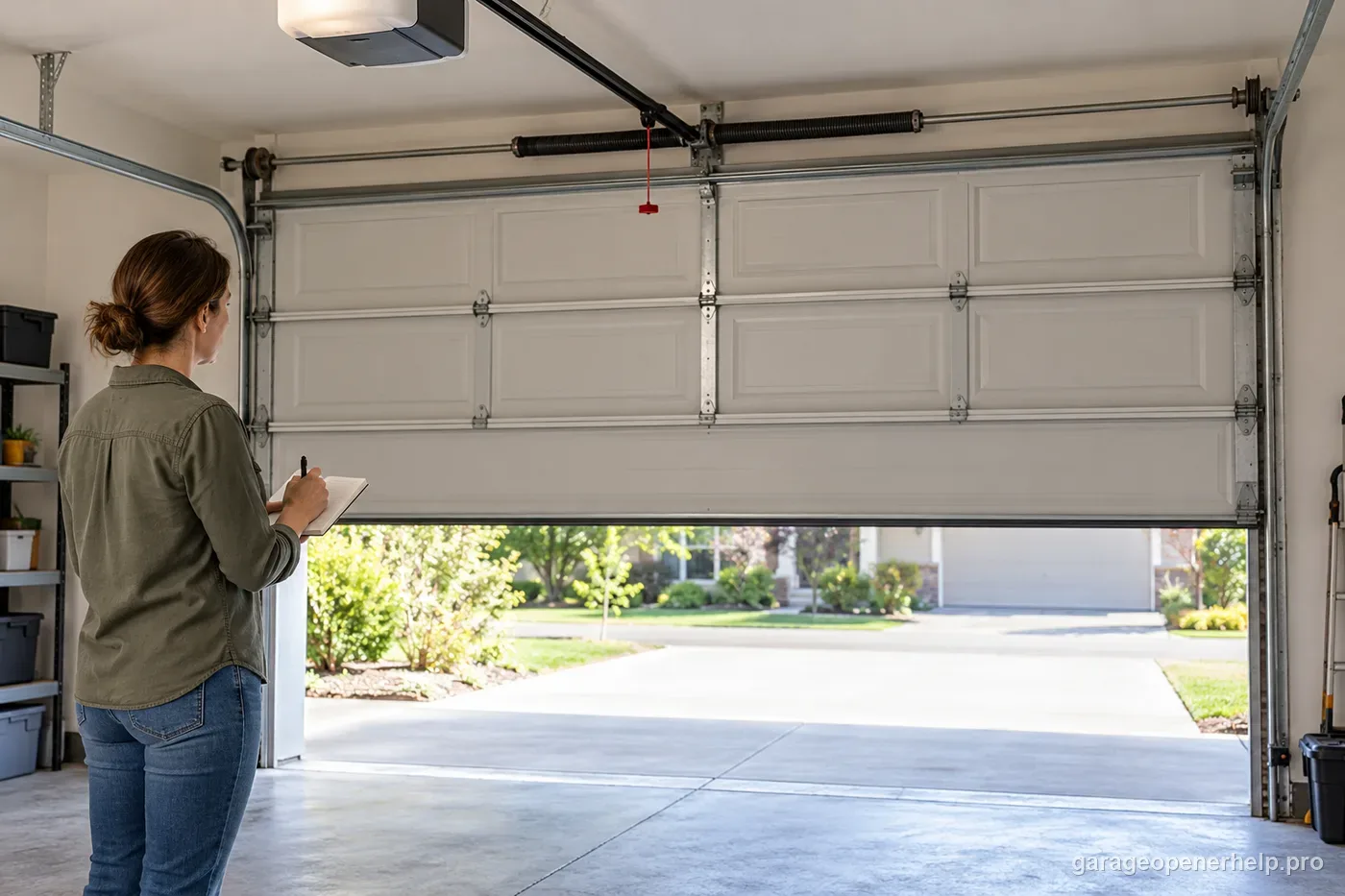
3. Look for visible obstruction or door damage
With the opener idle, look at the opening path for a stored item, debris, visibly damaged roller or a crooked door. Keep your hands away from rollers, hinges, springs and cables. Do not loosen track hardware or try to move a door that is jammed or unstable.
4. Treat unusual manual movement as a door-service finding
Only when the door is fully closed, stable and the exact owner manual describes the release procedure, can the opener be separated from the door for a movement check. Do not disconnect a partially open door. If the door is heavy, catches, rises unevenly or will not stay balanced, stop and call a trained door-systems technician.
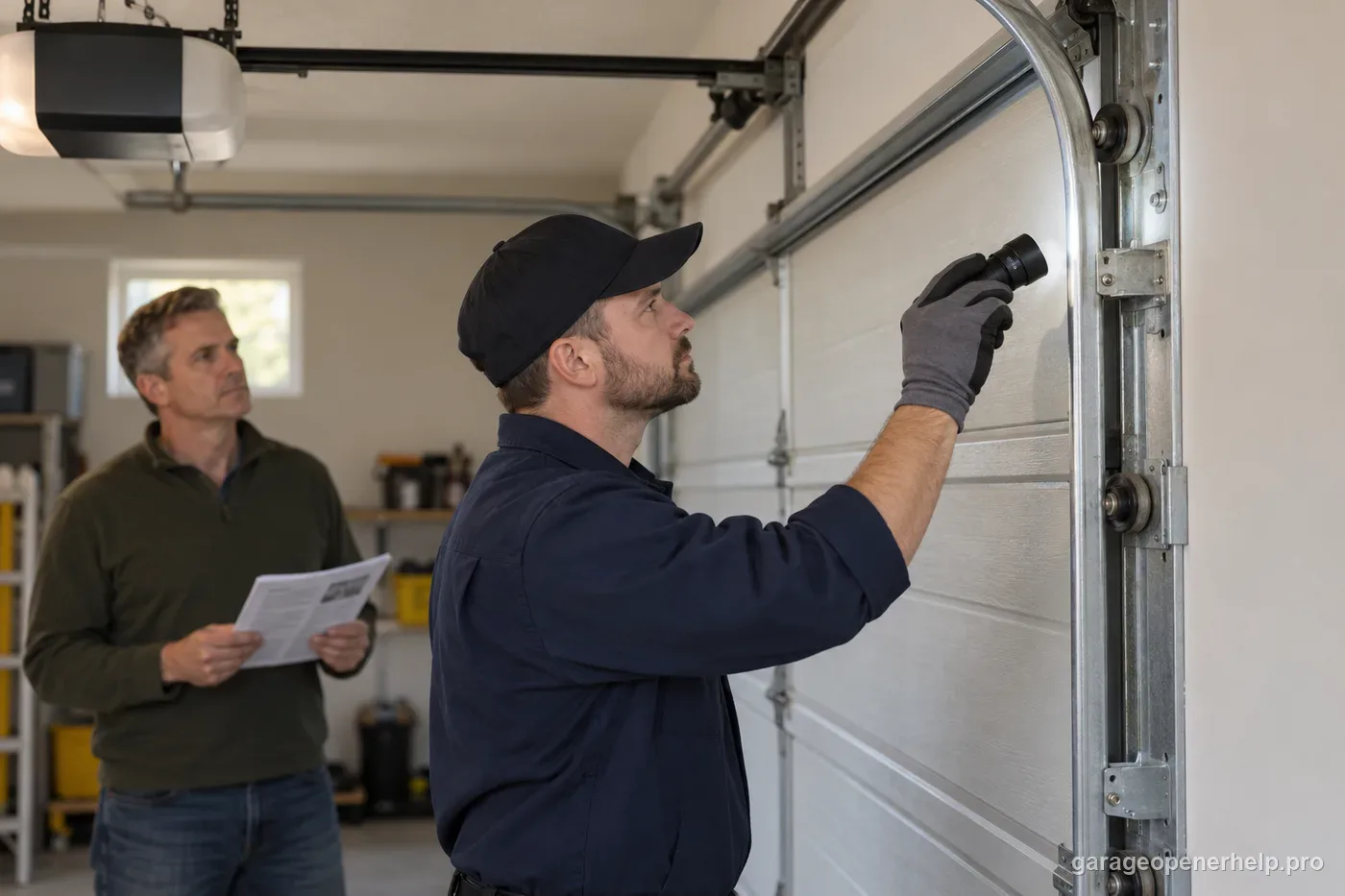
5. Keep sensor codes and force changes out of this branch
A 4-2 code is an opening-force condition, not the published photo-eye alignment code. If sensor LEDs are abnormal, record that as separate evidence and use the exact sensor code. Do not increase force to push through resistance; Chamberlain Group recommends dealer diagnosis for 4-2.
Why 4-2 and 4-1 should not be merged
Both codes involve abnormal load/RPM behavior, but the direction matters. Chamberlain Group’s detailed table places 4-1 on DOWN travel and 4-2 on UP travel. Keeping the codes separate lets a homeowner report whether the fault occurs while closing or opening instead of treating them as interchangeable force errors.
The practical goal is to identify resistance without defeating the opener's protective behavior. A sticky door, damaged roller, cold-weather bind or incorrect travel behavior can all look like 'the motor is weak' from across the garage. The code is a reason to inspect the system, not a reason to simply increase force.
What information makes a dealer visit faster
Record the opener model, whether the door stops at the same height, whether the behavior changes with the door disconnected, and whether any recent door or opener work preceded the code. Those observations narrow the difference between a mechanical door problem and an operator/travel problem.
Do not attempt spring or cable adjustments as a test. If manual door movement is abnormal, that finding is already enough to move the problem out of the settings-only branch.
Why 4-2 advice about photo eyes can send you to the wrong part
Some error-code pages label 4-2 as a safety-sensor failure, recommend aligning photo eyes, and suggest repeated close cycles. Chamberlain Group defines the residential arrow code as too much force while opening, with the door stopping before full opening; its dedicated support page says causes vary and dealer service is best. Those are different directions and different diagnostic branches.
A real sensor fault may still exist on the same opener, but it should be supported by the sensor LEDs or its own diagnostic code. Do not use 4-2 as proof that a sensor pair is bad, and do not hold a wall button or increase force to bypass a protective response.
4-2 is excessive opening load/RPM change, not a close-sensor fault
Chamberlain Group defines 4-UP/2-DOWN as an unforeseen RPM or DC-motor-current change while the door travels UP. The published behavior is a door that stops before reaching the full-open position. Manufacturer-listed causes span door obstruction, an out-of-balance or heavy door, broken spring, worn rollers or hinges, alignment problems, an up limit set too far and travel-module issues on applicable operators.
That breadth makes observation order important. Record whether the door always stops at the same height and whether manual door movement is abnormal. A heavy or spring-damaged door is a stop-DIY condition; do not raise force to compensate. If the door moves normally by hand and the code remains repeatable, model-specific travel-module or limit evidence becomes more relevant than safety-sensor alignment because 4-2 is an UP-travel code.
- 4-UP/2-DOWN occurs during opening, so keep close-sensor faults out of the first branch.
- Check door condition/balance before touching opener force.
- If the door is mechanically normal, continue with exact-model travel/limit/module guidance.
Record 4-UP/2-DOWN, the height where opening stops, whether the stop point repeats and how the disconnected door moves by hand. Note any broken-spring or hardware evidence without attempting repair. That gives a dealer enough information to separate a mechanical-load problem from a model-specific up-limit or travel-module branch.
Stop DIY troubleshooting when…
- The door is heavy, crooked or will not remain balanced
- A spring, cable, roller or track is damaged
- The opener strains or stops at the same point after obstruction checks
- You cannot safely separate door movement from opener movement
Garage door springs, cables and a falling/unbalanced door can store or release dangerous force. Those are door-system problems, not just opener settings.
Common questions
What is the difference between LiftMaster 4-2 and a normal travel-limit issue?
4-2 is a diagnostic condition for excessive force while opening. Travel settings can be part of diagnosis on some models, but the code should not be treated as permission to increase force blindly.
Can cold weather trigger a 4-2 condition?
Temperature can change how a door moves, but the useful response is still to check for binding or abnormal resistance and follow the exact model's guidance rather than assuming weather is the only cause.
Should I replace the opener motor for 4-2?
Not as a first assumption. Chamberlain Group says causes vary and recommends dealer diagnosis; visible obstruction and abnormal door movement should be documented first.
Is LiftMaster 4-2 a photo-eye alignment code?
No. The supported arrow-code meaning is excessive force during opening. A photo-eye problem has separate symptoms, sensor LEDs and diagnostic codes.
Can I increase force or keep running the opener to clear 4-2?
No. Repeated cycling can strain the system, and increasing force can mask a binding door. Stop and use the model-specific dealer/service path if the code returns.
Manufacturer sources used
These links are the factual baseline for the diagnostic claims above. Model-specific manuals can supersede general guidance.